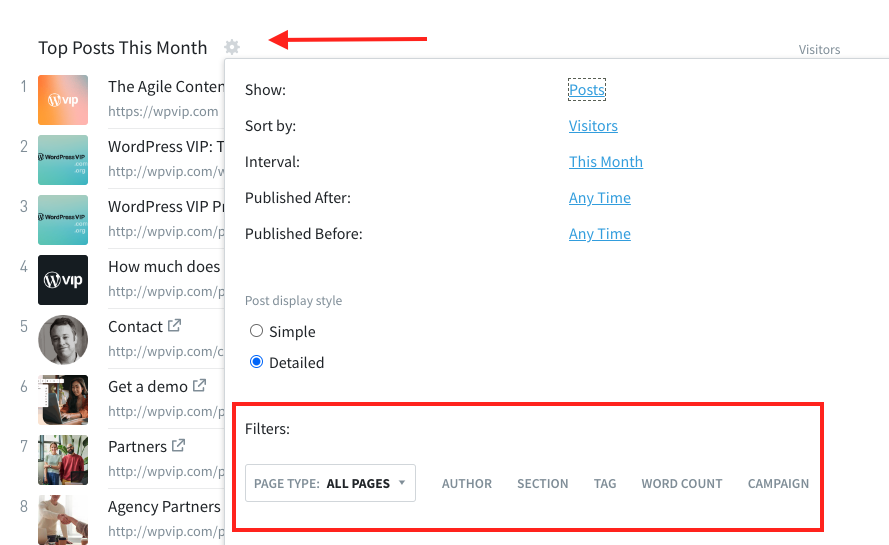
With the ability to apply filters to your Overview page, you can now get at-a-glance performance updates for specific authors, sections, tags, word counts, or campaigns. The filter includes the options to “match any”, “match all”, or “exclude”.
To access this, click on the cog icon, and then you’ll see the option to add filters.
Watch the video below to see this new feature in action!
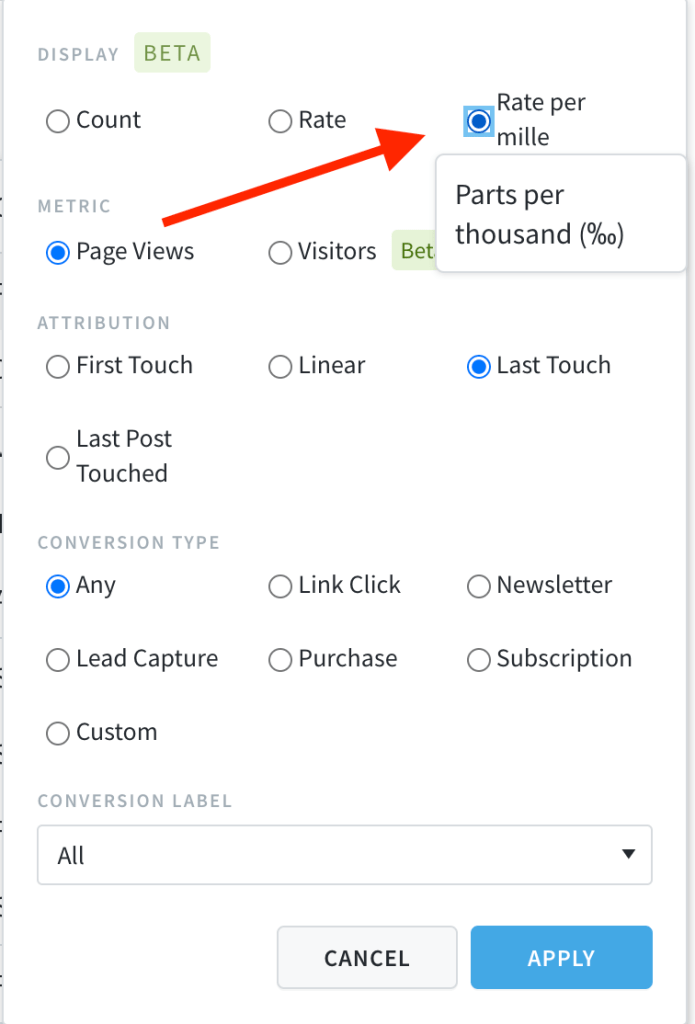
We added a per mille option to the conversion metric dropdown. This calculates the rate per-mille (per 1000 parts) instead of the default percent (per 100 parts). This can be used anywhere the conversion rate is also applied.
See which posts were last touched in your network before someone converted
With Parse.ly, you can see not only which page someone visited on your site before completing a conversion event (newsletter signup, clicking an affiliate link, etc.) but also which piece of content (“post”) they read before completing that conversion event. Learn more about Parse.ly conversions here.
With this release, you can now also see which post was last touched across your entire network of sites, instead of just individual sites. If you operate a multi-site business, and use our conversions feature, start using this view today!
Update to converting visitor and converting visitor rate
Conversions are viewable in a number of ways, and we’ve introduced several new ones with this update.
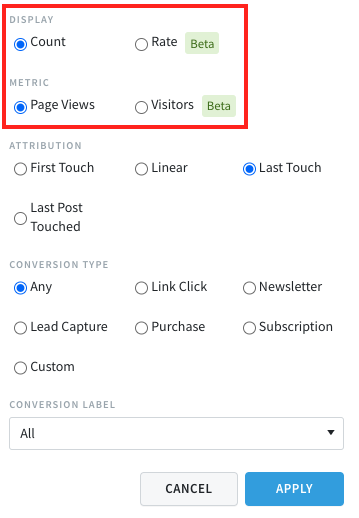
The Conversions Count is the sheer volume number of how many conversions happened for the content you are viewing. The Conversions Rate is what % of those page views converted.
What’s new in this update is that we are introducing Visitors as a metric for Conversions Count and Conversions Rate. Previously, it was calculated via Page Views. Now you can select between either Page Views or Visitors.
Converting Visitors is available everywhere you can see Conversions, and Converting Visitor Rate is available everywhere you can see conversion rates.
It’s important to know how effective your content is at converting visitors. Of course, posts with a high number of page views are likely to get the highest number of conversions. But what about those lower traffic posts which are converting at a higher rate? Conversion rates can help you identify those high-value pages. Learn more about this new feature here.
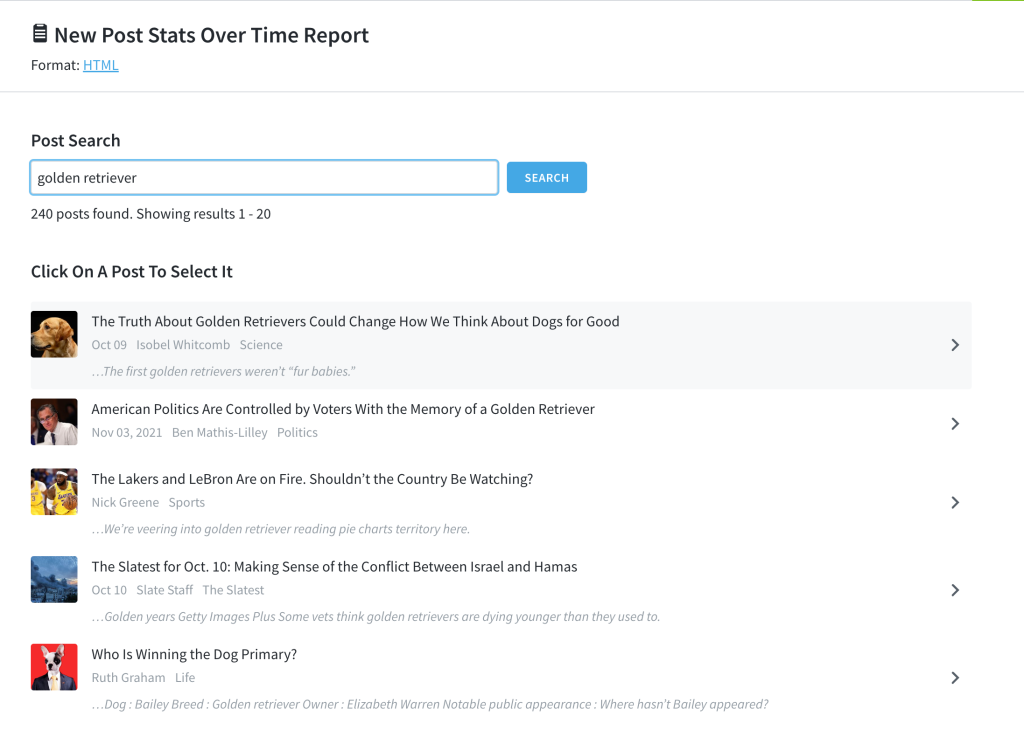
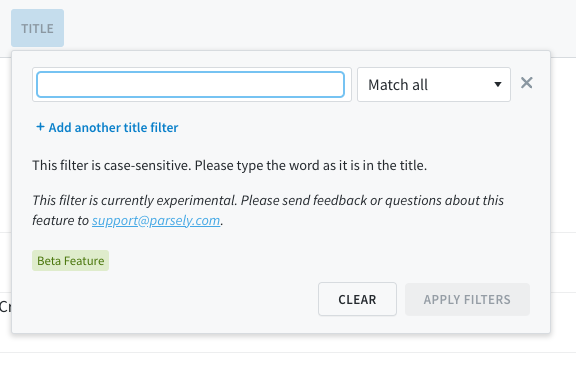
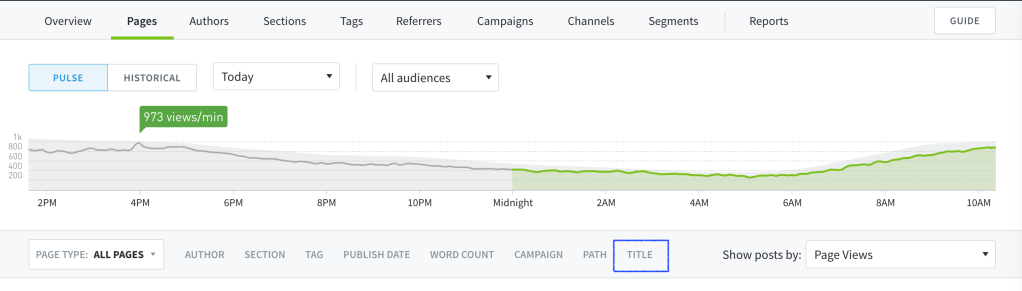
Filter posts by words in the title
You can now filter your posts by a single word or multiple words in a title. Use this to exclude posts with certain title words, or to focus on posts with certain words in the title. Level up your filtering by then creating a Saved View you can refer to in the future.
We are discontinuing Twitter social interaction counts
Starting on April 30, 2023, social interaction counts for Twitter and tweet cards will no longer be available in Parse.ly Analytics. This will notaffect referrer analytics for Twitter.
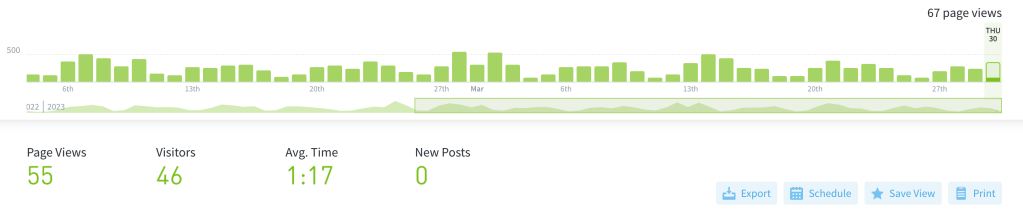
Parse.ly dashboard users can now print and save to PDF any view in their dashboard, making it faster and easier to create and share reports with teams and leadership. Read our blog post and knowledge base article to learn more.
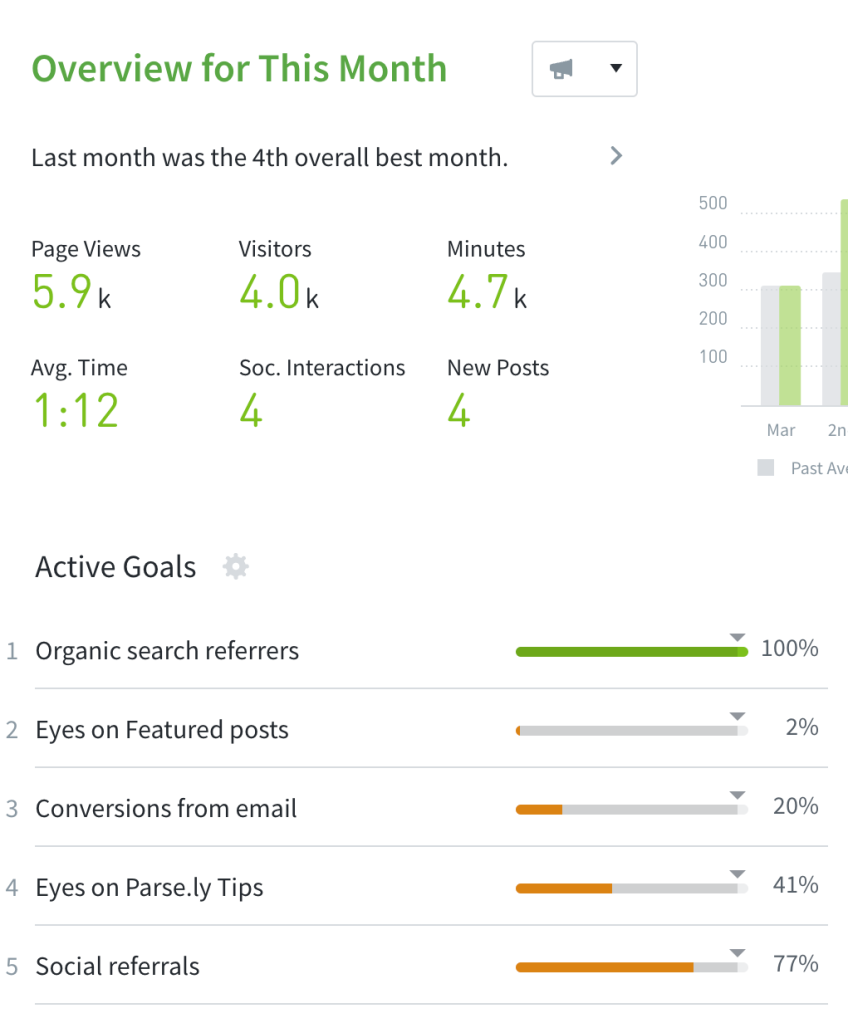
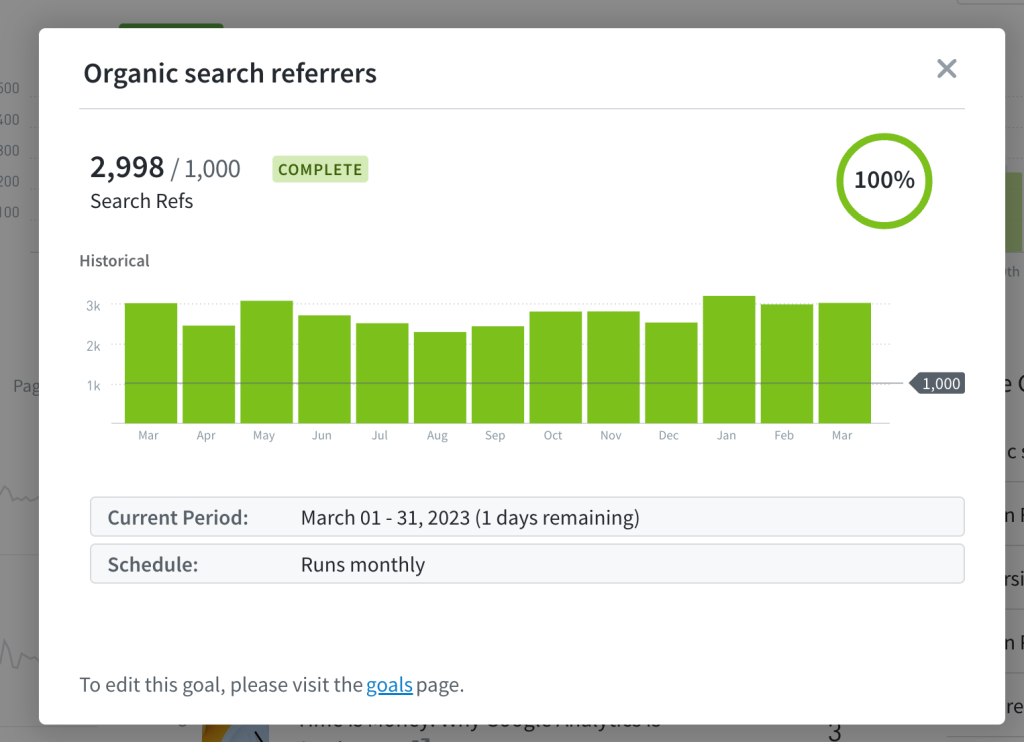
Add goals to your Overview
See how your Goals are performing directly on the dashboard! Goals is now an option you can add to the Overview screen.