Campaign details
From the Campaigns tab, more detailed information on individual campaigns can be accessed.
Details preview
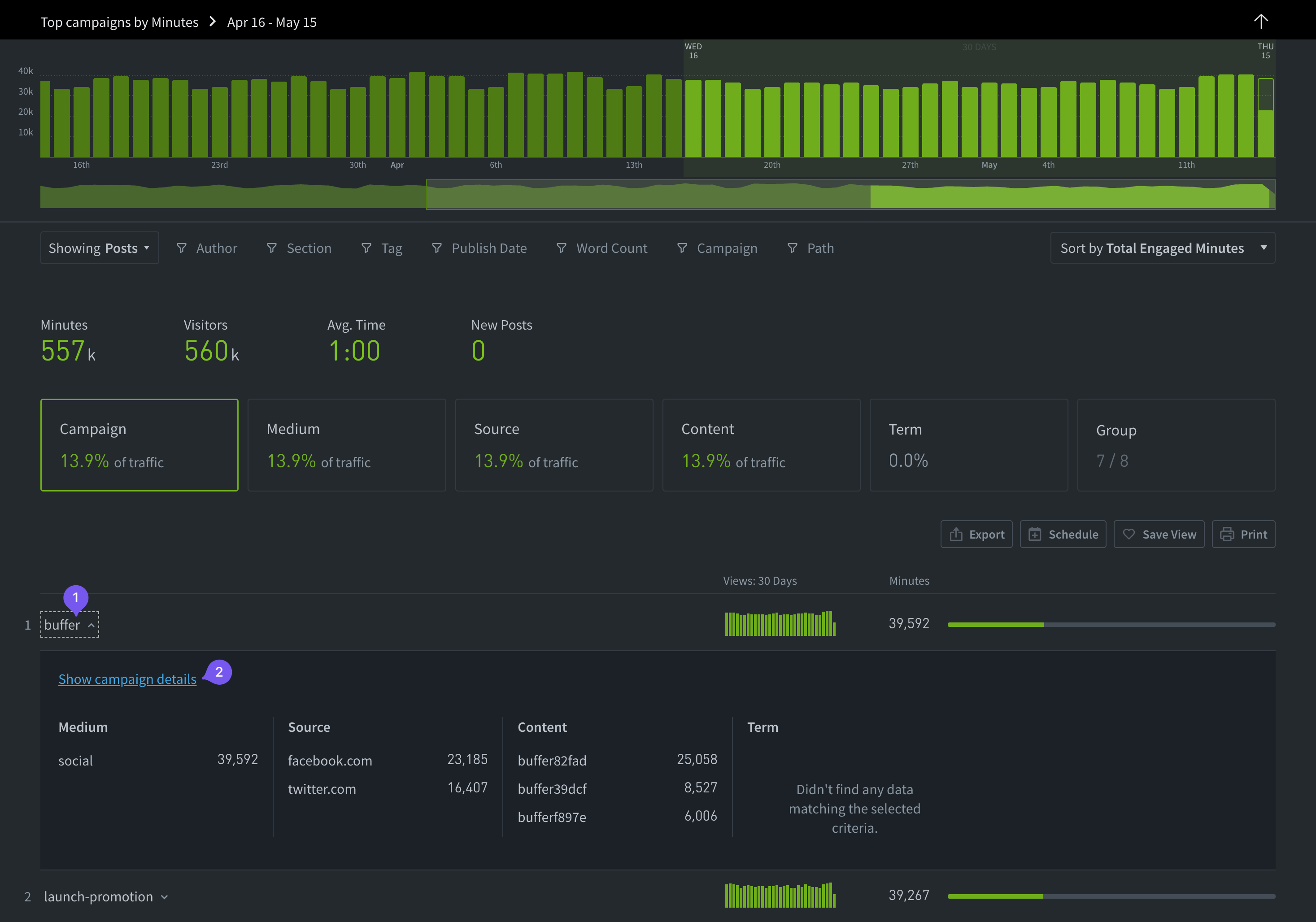
- Click the name of a campaign (or medium, source, etc.) to open a panel with a preview of further details.
- Click “Show campaign details” to visit a page with information specific to the selected campaign.
Campaign details page
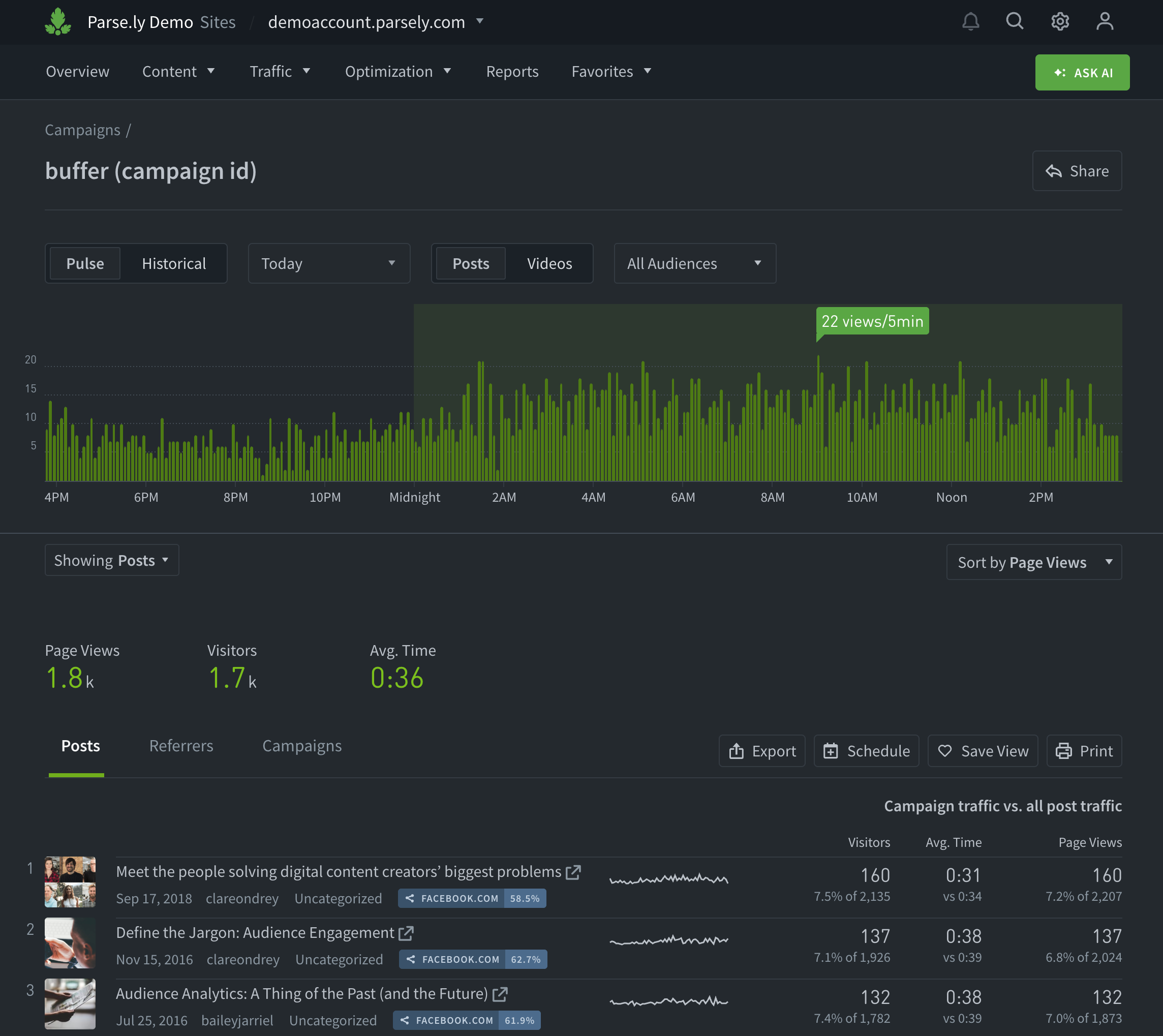
Use the campaign details page to evaluate audience engagement with a single campaign, medium, source, piece of content, or term, along with related posts, videos, referrers, and other campaign aspects. To see the campaigns behind a single referrer, open the Campaigns tab of that referrer’s details page.
Last updated: October 23, 2026