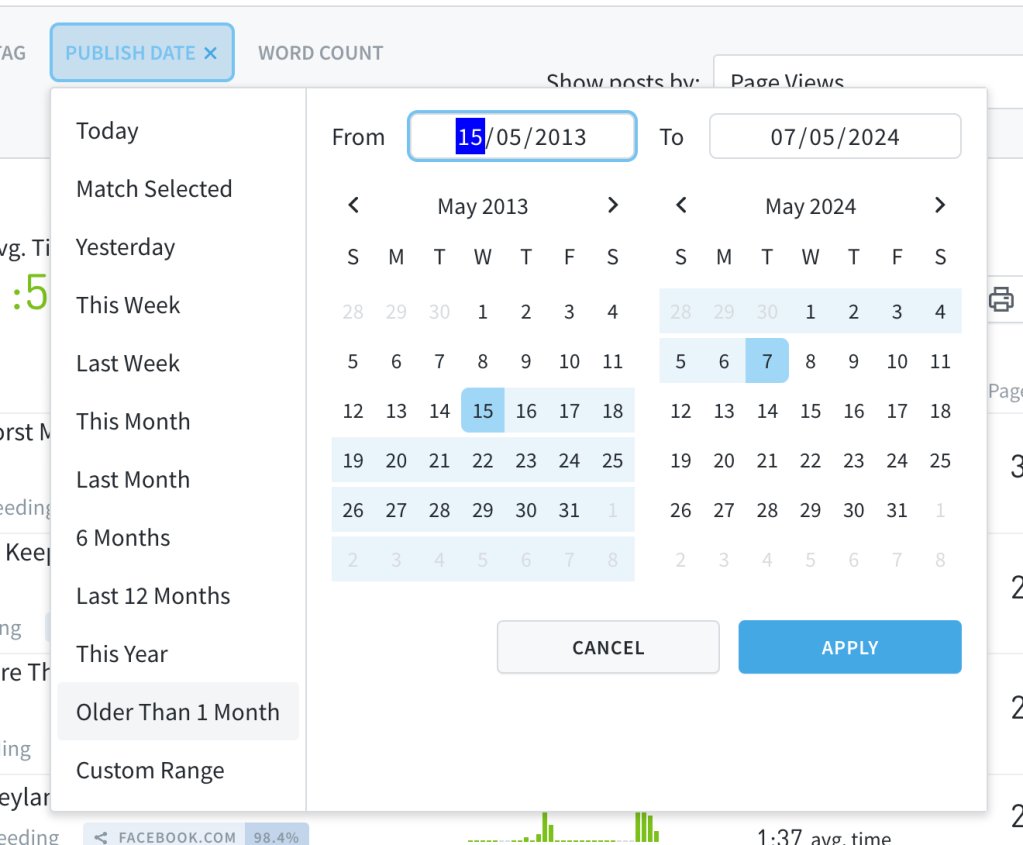
We added the Older Than 1 Month preset to the updated Publish Date filter to help you easily discover evergreen posts or posts with renewed attention.
Bug Fixes:
Resolved an issue where the Match Selected period in the updated date filter didn’t work correctly when applying a Publish Date filter during report generation.
The date filter now shows the selected preset as the active preset instead of the custom range preset.
Fixed an issue where the Content Syndication section on a post details page didn’t display for copy posts.
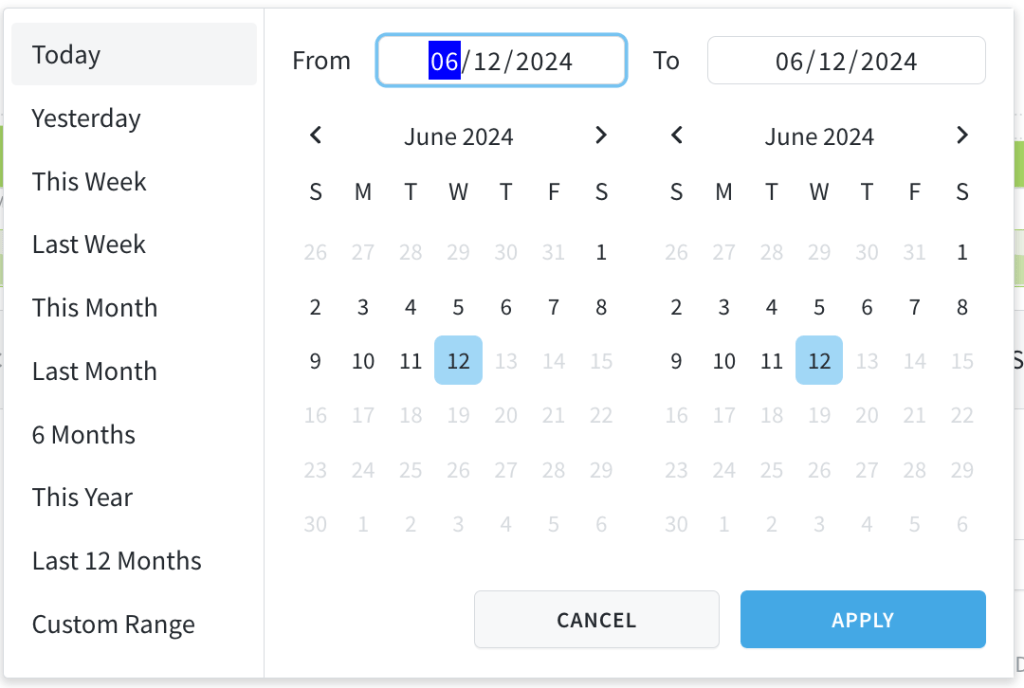
We updated our date filter so that it’s easier to navigate and customize the date ranges you are searching for in our dashboard. The calendar view displays by default and we added Last 12 Months and This Year as default presets that you can filter data by.
Updated Path Filter
We updated our path filter so that it’s easier to navigate and customize the URL paths you are searching for in our dashboard.
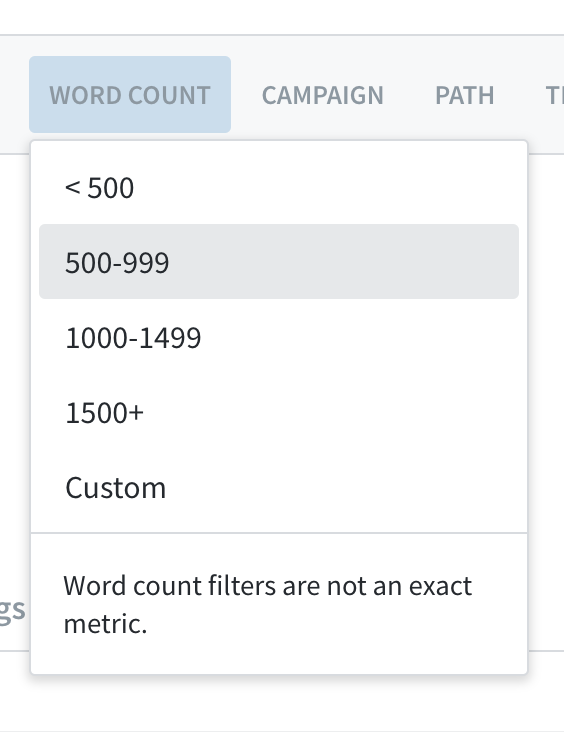
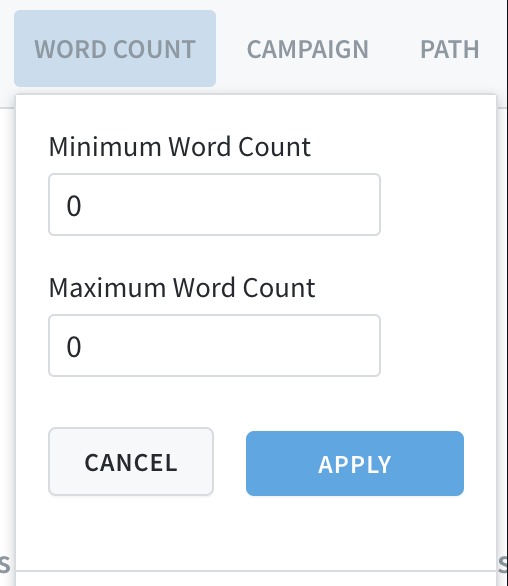
Custom Word Count Filter
You can now create your own custom word count filter! Decide what word count range you want to filter by and see the results sorted accordingly in your Parse.ly dashboard.
Bug Fixes:
Resolved an issue where dashboard views with a path filter would not export.
Fixed an issue where reports and exports trying to exclude campaigns was doing the opposite.
Fixed an issue where pages with no views were showing referrer and channel traffic — how confusing!
Resolved an issue where a customer’s preferred default sort metric was not being shown when navigating to parts of the Parse.ly dashboard, like a post detail page. And when no default metric has been specified we will defer to page views.
Updated the experience with Check Metadata so that while we are checking for updates a customer cannot re-select the button. This way customers know to wait for us to finish checking before attempting another check.
Resolved an issue where conversions on a second page of conversion performance results (conversion events 51-100) were being listed as conversions 1-50
Resolved a page layout issue where conversions and engaged time metrics were displaying poorly
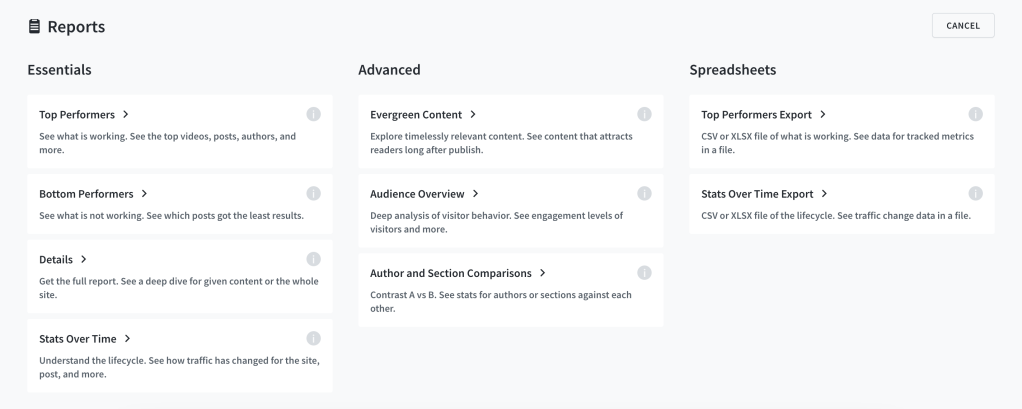
We’ve updated the layout and report descriptions for the ‘create report’ view to enhance clarity before clicking. The category label ‘Basic’ has been changed to ‘Essentials’, and sample reports linked to specific reports have also been updated.
We discontinued Twitter shares and Twitter average referrals
Effective today, we will no longer display Twitter shares and Twitter average referrals in Parse.ly analytics. This change also applies to any scheduled reports containing Tweets/Twitter Interactions. Twitter referral data will remain available in all other areas. This is related to work we began last spring. Read our blog post to learn more.
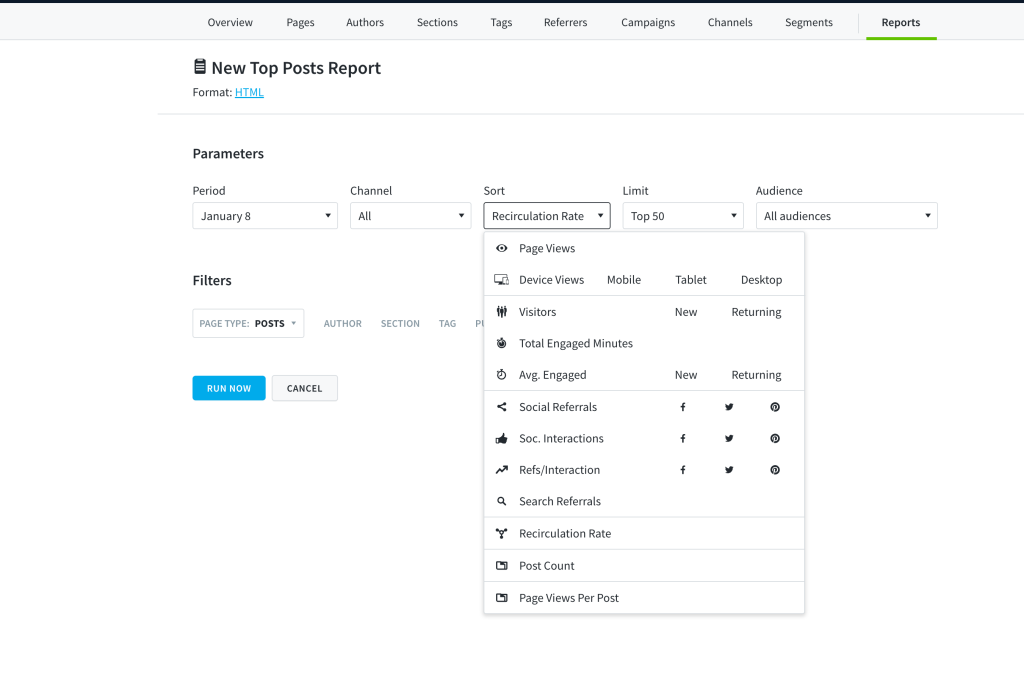
Create Top Posts Reports Sorted by Recirculation Rate
Recirculation rate is now available as a sorting metric in the Top Listings Report. You will see it in the dropdown menu for metrics when you create or update a Top Listings report that tracks posts.