Video Tracking
Parse.ly’s Video Tracking brings video metrics into the Parse.ly Dashboard, including video starts, visitors (video-specific), total minutes watched, and average watch time.
Note
Video Tracking must first be purchased before integrating it with your site. Reach out to your Relationship Manager for more details and assistance.
Overview tab
On the Overview tab, a video badge, with a play rate metric, will be visible on posts containing video. The play rate will either appear as a percentage or as a multiple

Overview can also be customized to set the Timeline Metric to Video Starts.
Posts tab
Similar to Overview, the Posts page displays a video badge for posts listed that contain a video.
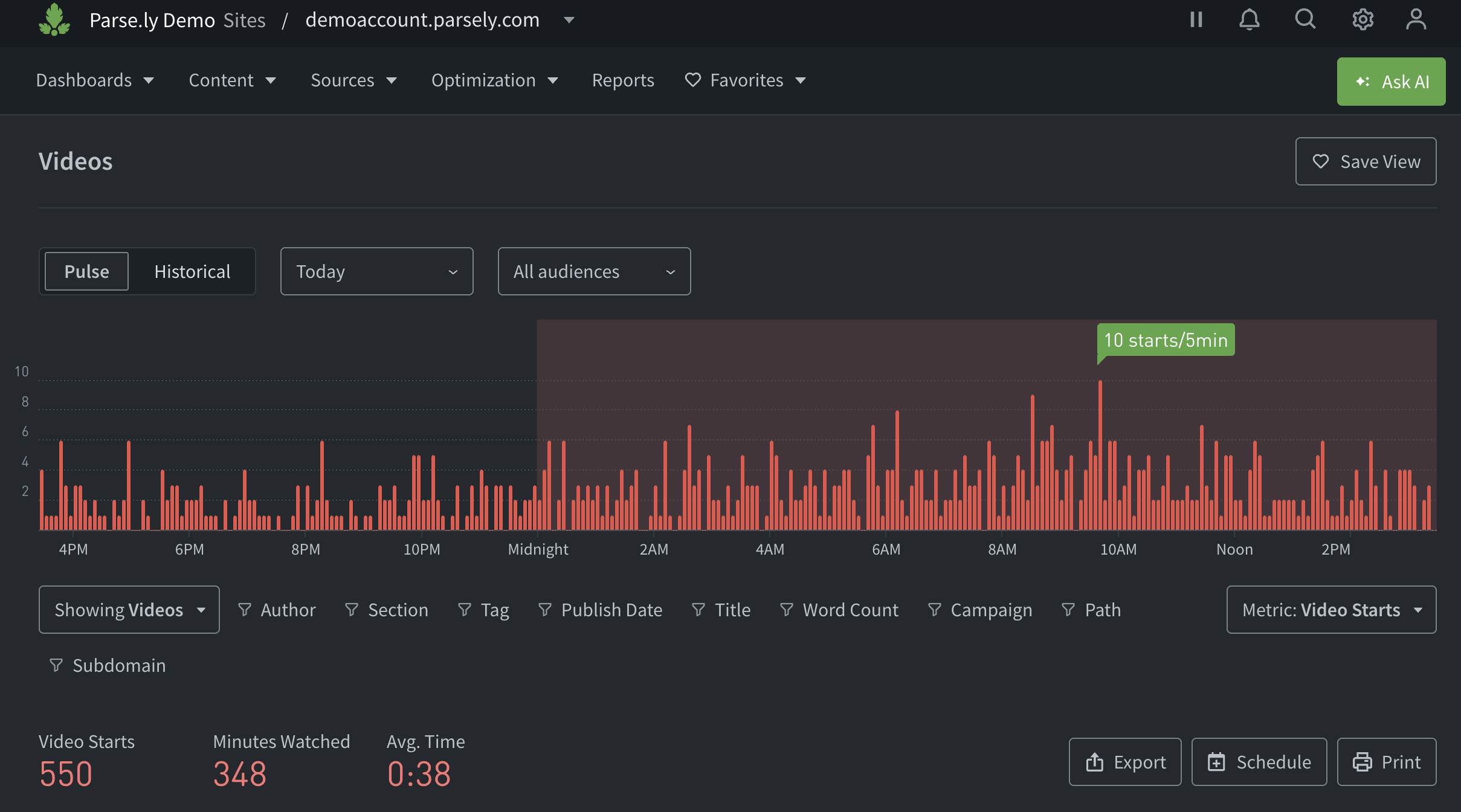
To focus the Posts page on videos, pick Videos in the Showing drop-down of the filter bar. The page then displays video metrics and details.
Post details page
When Video Tracking is integrated, the “Videos played on this page” section is included on individual post details pages.

Video details page
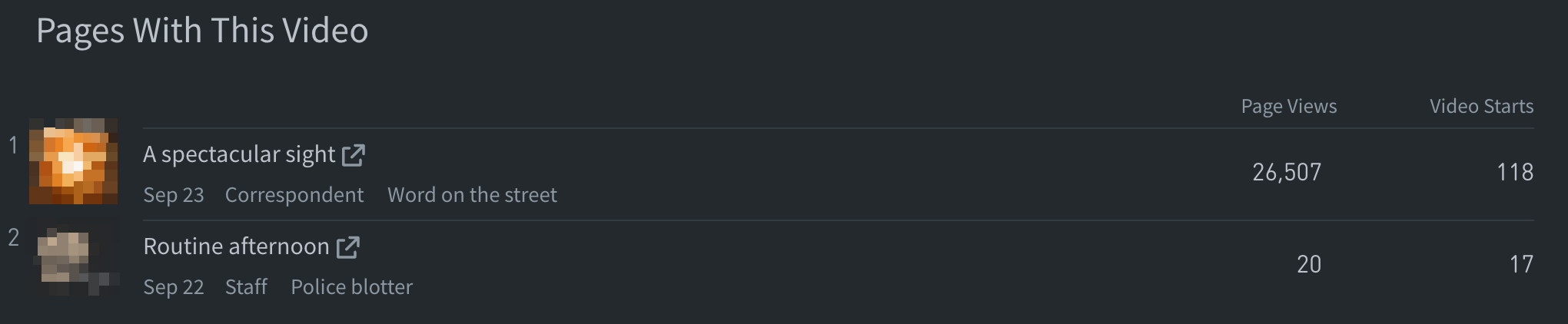
Clicking an individual video from anywhere in the Dashboard takes you to that video’s details page. Here, similar to the post details page, the “Pages with this video” section lists content that includes the video.
Reports
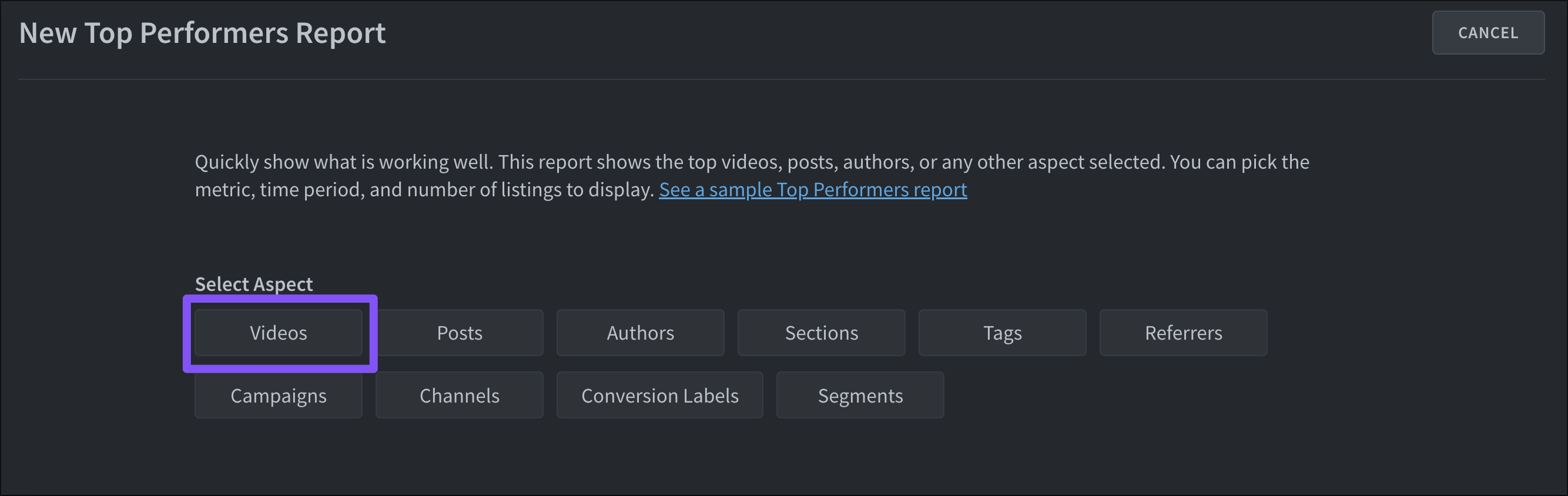
The Top Performers report and Top Performers Export can be configured to focus on video metrics. When creating either of these, select the “Video” aspect.
Last updated: October 19, 2026