Sections page
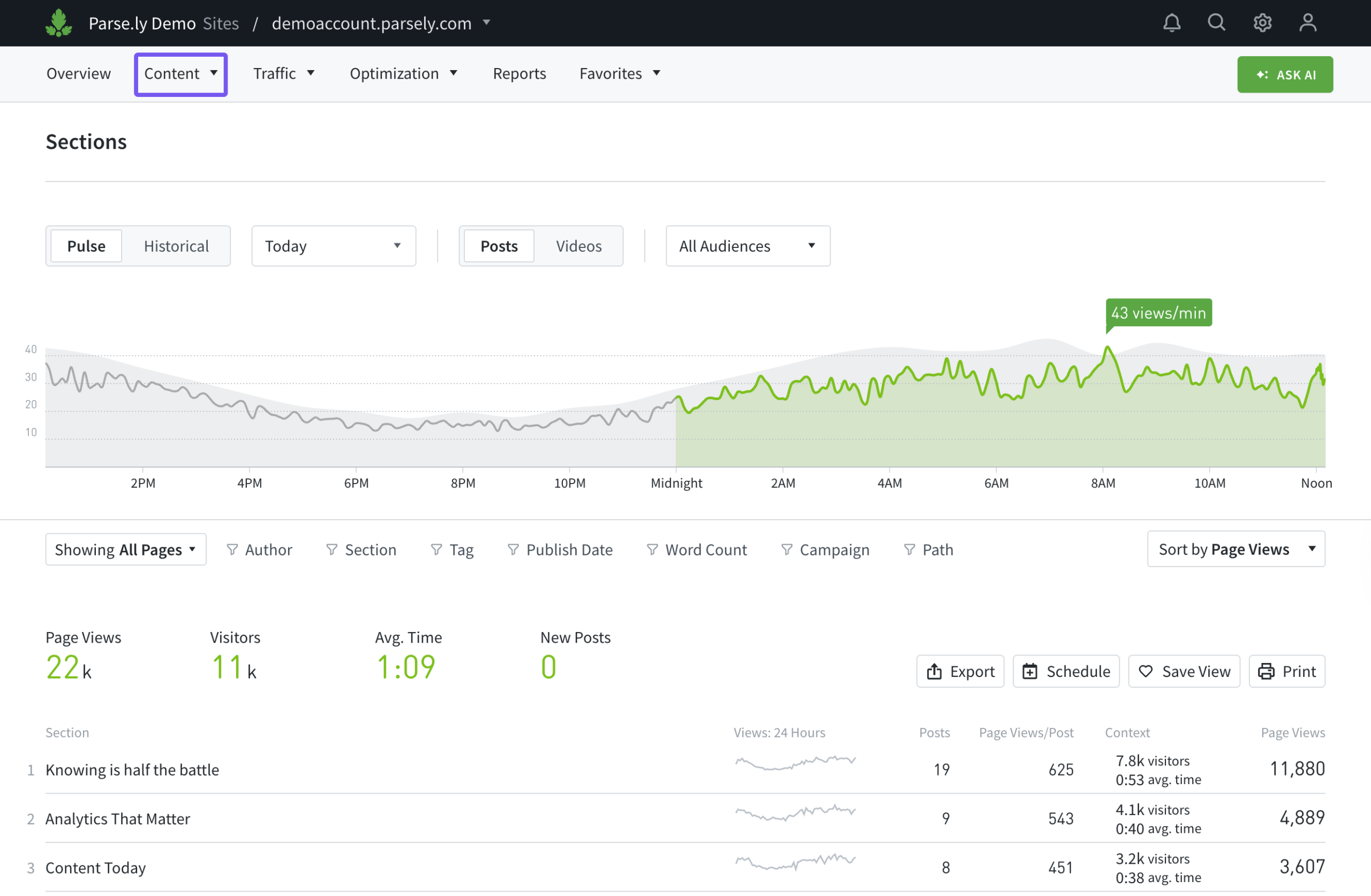
The sections page of the Parse.ly Dashboard typically focuses on top-level site navigation areas. For example, if readers can find content on a site under Politics, Business, Finance, Local, etc., Sections displays performance separated by these areas. You can find the sections page in the content menu of the navigation bar.
Note
Sections can also be further customized — contact Parse.ly Support if you’d like more information.
The Dashboard supports tracking one section per content URL. Additional values such as subsections or child categories can be tracked as tags — up to 100 tags can be tracked per URL.
When a section value has not been specified for a post, that post’s section will be labeled as “Uncategorized” in the Dashboard.
Learn more about navigating Pulse and Historical views, plus how to filter Dashboard pages like Sections:
Last updated: July 21, 2026