How to use Parse.ly Sage
To use Parse.ly Sage, first ensure it’s been enabled for your account and that you have user access.
Note
All Parse.ly accounts are eligible for Parse.ly Sage on request. Contact Parse.ly Support to request that Parse.ly Sage be enabled for your site.
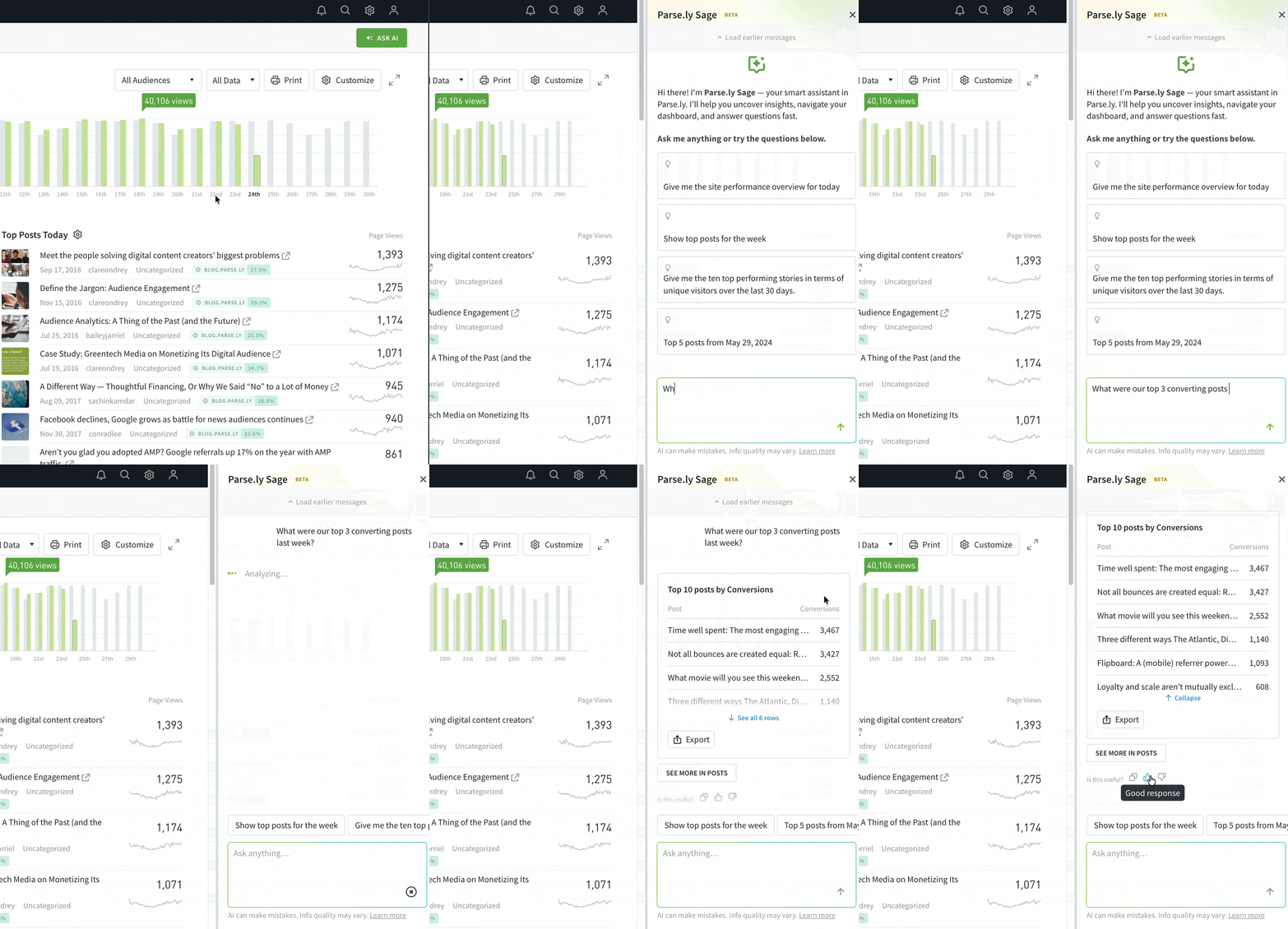
- Open Parse.ly Sage.
Log into the Parse.ly Dashboard and click the “Ask AI” button in the navigation bar to open the chat interface. - Ask questions.
Send any plain-language query from the text box — such as, “What is the top-performing section this month?” — or choose a suggested question. Parse.ly Sage provides the answer and guides you to the Dashboard page where you can explore the data in more detail.
Last updated: July 20, 2026