Parse.ly iOS mobile app
Parse.ly’s iOS mobile app is available for download in the Apple App Store. After downloading, log in to view your Parse.ly Dashboard via the app.
Caution
For the best mobile experience with the Dashboard, Parse.ly recommends using a mobile browser rather than the iOS app.
Supported devices
The Parse.ly iOS app supports iPhones and iPads running iOS 8 and later.
Log in
The iOS app only supports authentication via a username and password or Google SSO. The app does not support other SSO methods.
If you are experiencing issues logging into the app with a magic link (which works if using a mobile browser), you must reset your password through the browser-based self-service tool, then use the new credentials to log into the iOS app.
Main screen
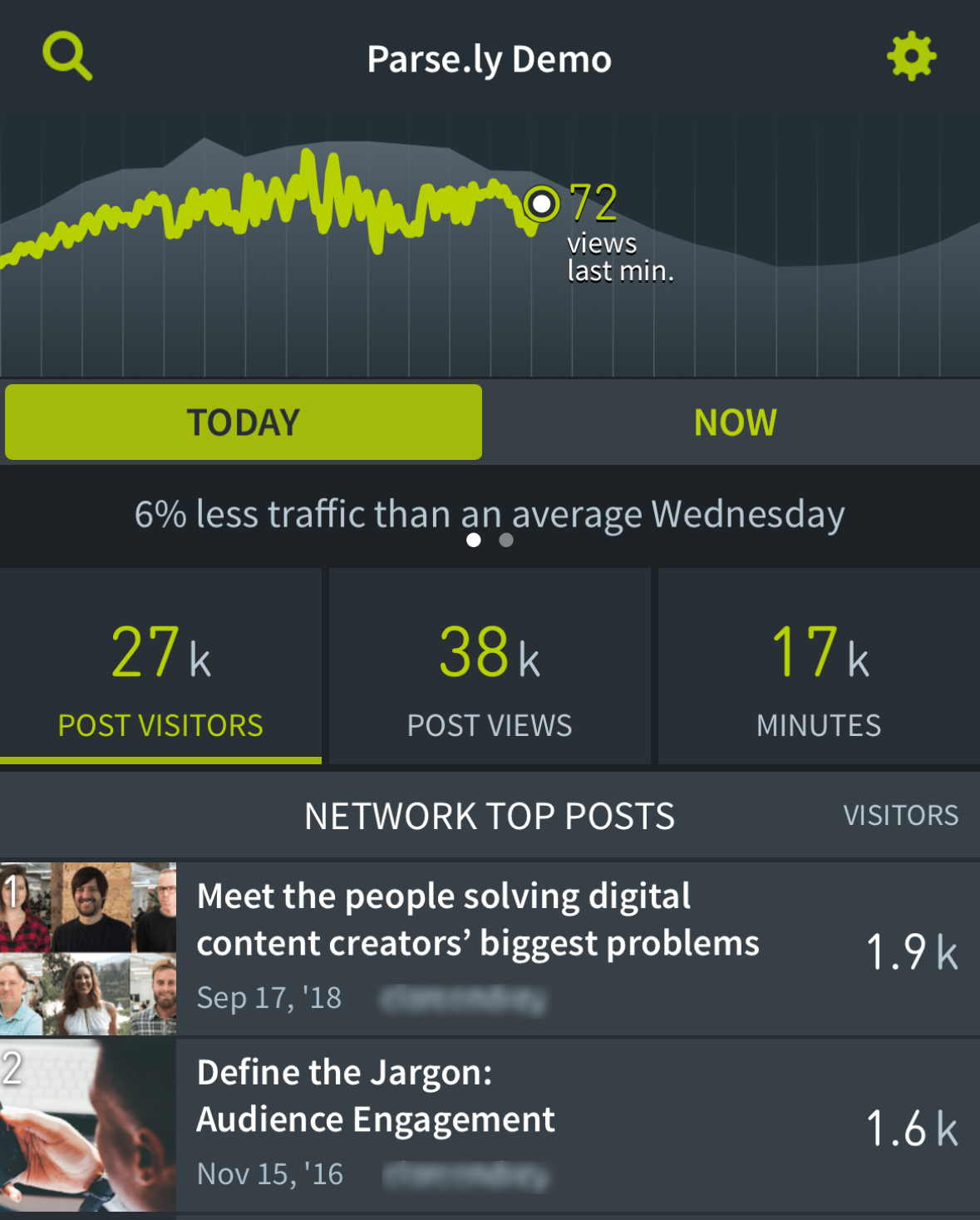
View a graph of page views for the current day, as well as site metrics like visitors, page views, social and search referrers, and engaged minutes, if available. View metrics and top posts for the current day or the last 10 minutes. Sort the top post listing by tapping on each metric button.
The real-time graph shows page views per minute. See how today (green) compares to the eight-week average (gray).
Post details
View more details about a specific post, like the post’s page view graph organized by traffic source, visitors, engaged time, and referrers.

Search
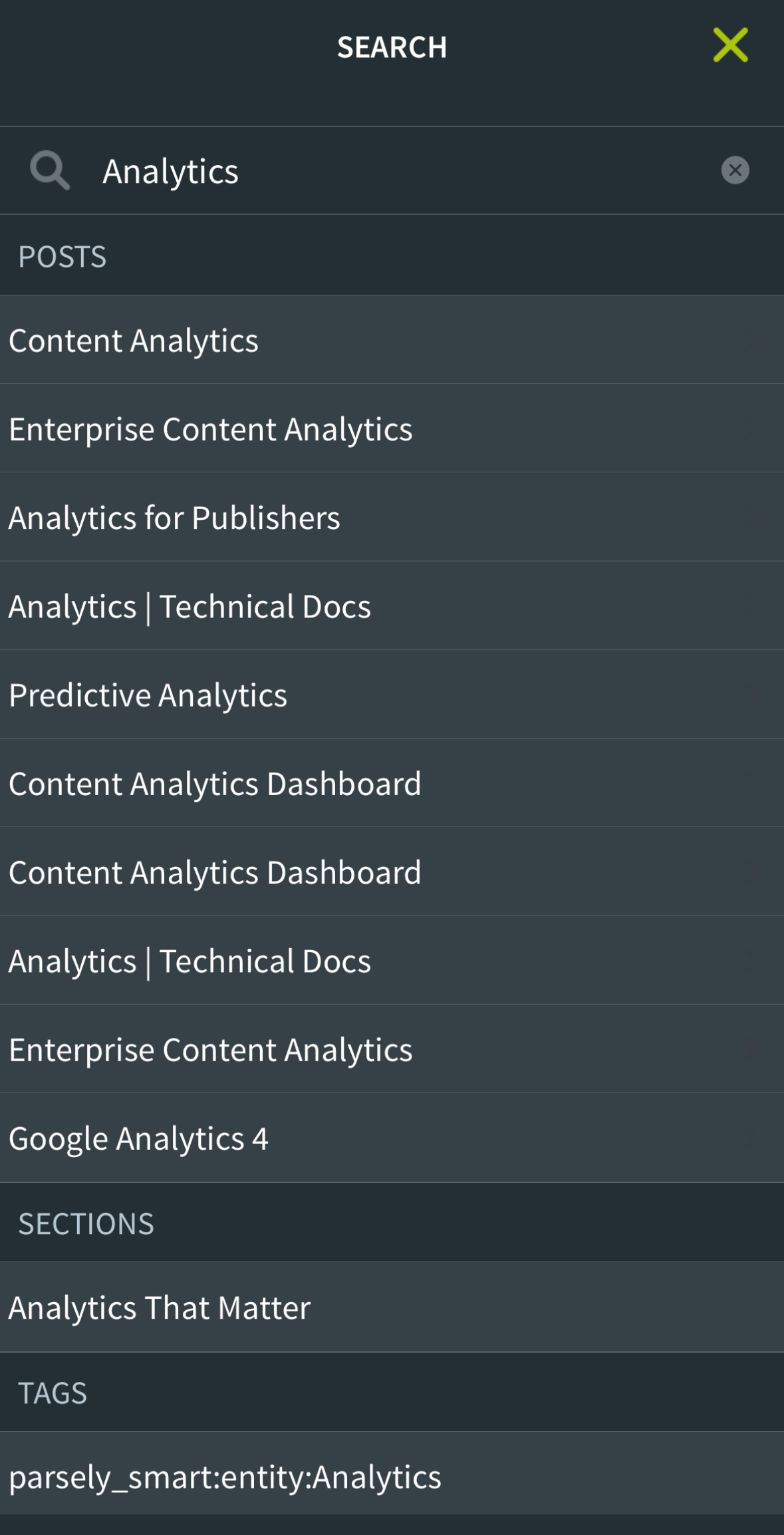
Searching for authors, sections, and tags allows you to filter the main screen by that specific selection. You can also find specific posts by title or URL.
Switching sites and view Network Rollup
If you have access to multiple sites in Parse.ly, switch to a different site or Network Rollup on the settings screen.

iPad split-view multitasking
To run the Parse.ly iOS app next to your site on an iPad, swipe from the right edge of the iPad screen to load the Parse.ly app at the same time as a mobile browser. This multitasking feature works on the iPad Air 2 and later models.
Last updated: August 11, 2026