Sites with different time zones
A site group or network may be composed of sites that share the same time zone, or they may have different time zones. This affects the line or bar graph seen with the Pulse or Historical views.
When viewing a single site in the Parse.ly Dashboard, that site’s time zone can be viewed by an admin on the Preferences page of the account menu:

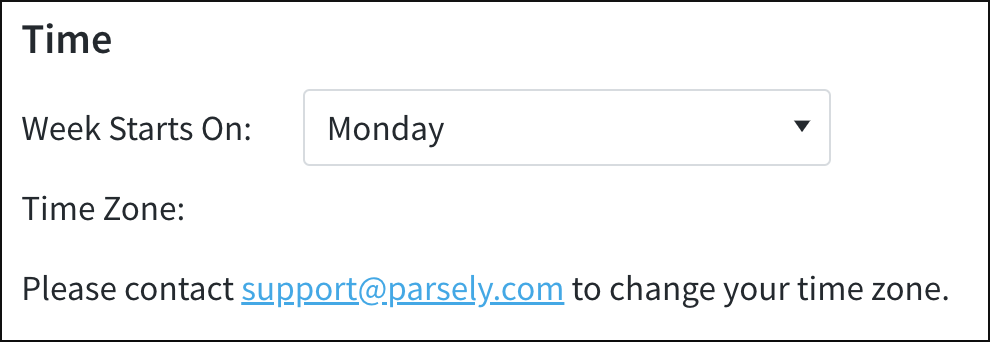
When viewing Network Rollup or a site group, however, the “Time Zone” field is blank on the Preferences page:
All sites share the same time zone
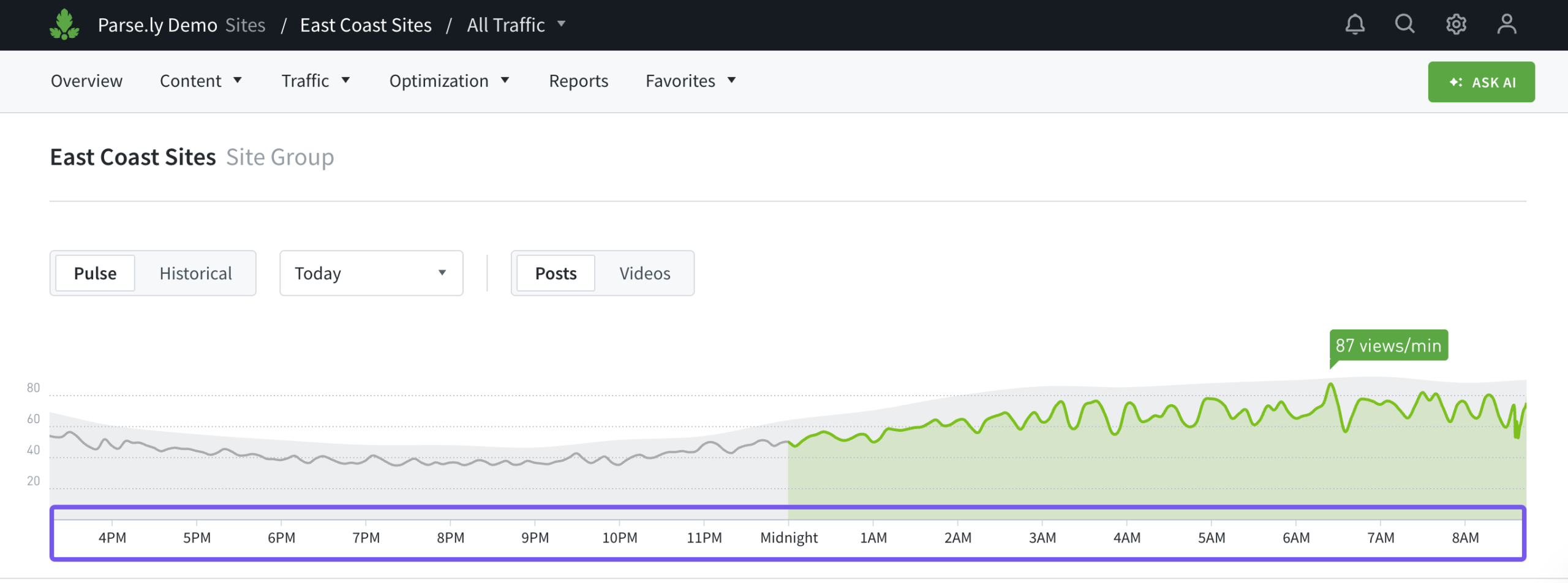
When viewing Network Rollup or a site group in the Dashboard, the line graph in the Pulse view will display specific hours on its x-axis when all sites in the group or network share the same time zone.
Sites have different time zones
Pulse view
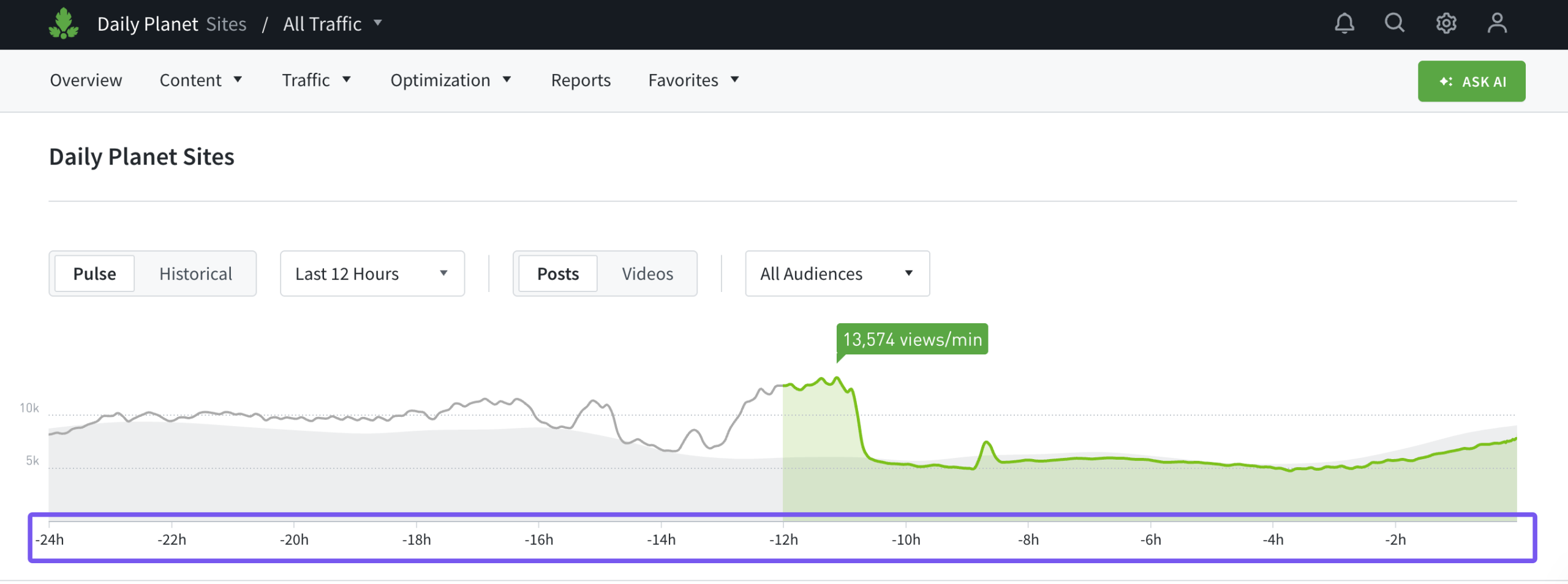
When the network or a site group is composed of sites with a mixture of time zones, the x-axis on Pulse’s line graph uses values relative to the current time, which is set at the right edge of the axis. In this scenario, the Last 24 Hours filter is recommended to allow each site in the group or network to be evaluated consistently, regardless of time zone.
Historical view
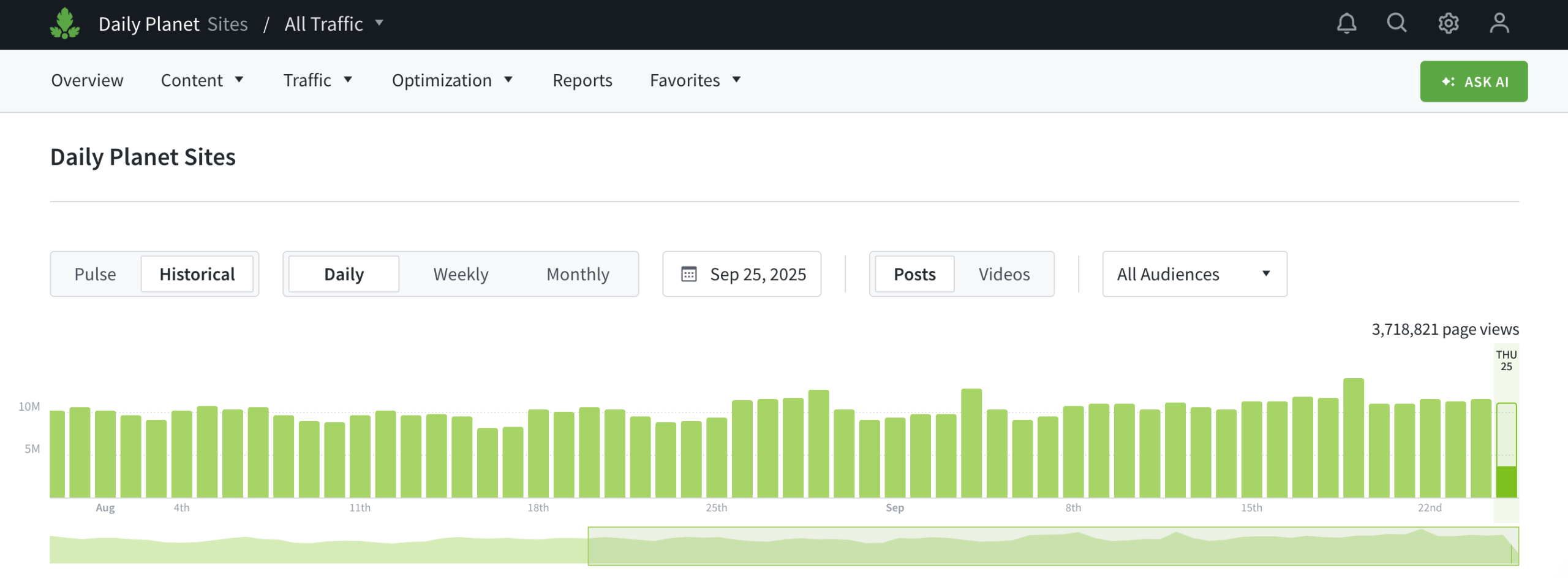
When viewing daily traffic in the Historical view for a site group or network with different time zones, each day’s traffic is calculated from 24 hours of data, midnight to midnight, in each site’s respective time zone.
Last updated: September 25, 2025