Favorites menu
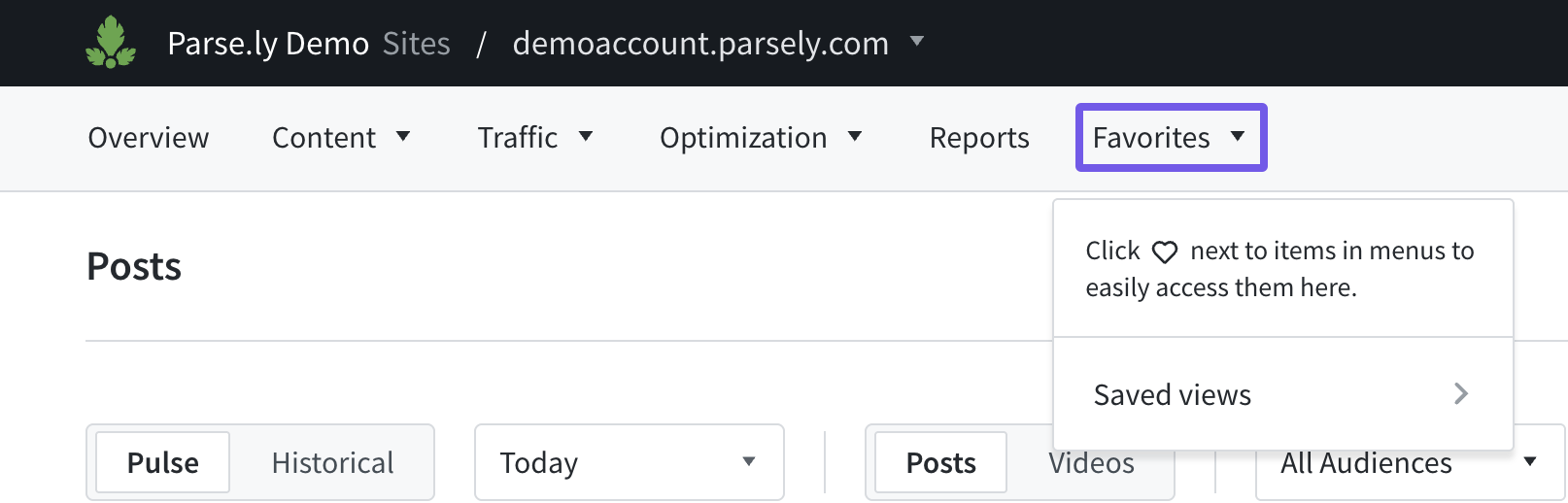
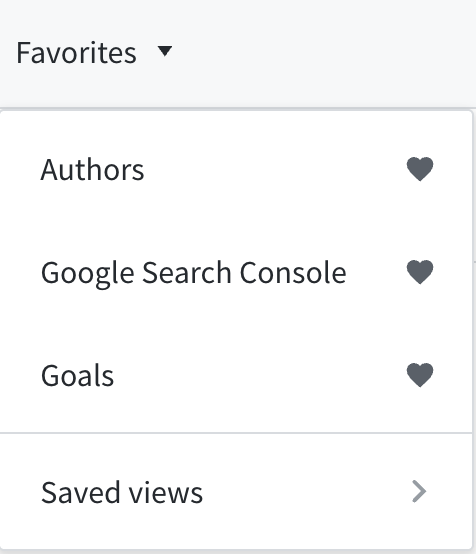
The favorites menu is available within the navigation bar. It contains favorited menu items (if any), a short list of saved views, and a link to view all of your saved views.
Adding and removing favorites
To add a menu item to the favorites list, click the heart outline icon next to the menu item of interest. Clicking the solid heart icon will remove it from favorites.

Using the favorites menu
Once you’ve favorited one or more menu items, you can see them in the favorites menu. Items appear in the order that you’ve added them. You may click on the menu item to access the relevant page or you can click on a solid heart icon to remove it from favorites.
Last updated: January 23, 2026