Referrer details
From the Referrers categories tab, you can access more information on referrer categories, as well as individual referrers.
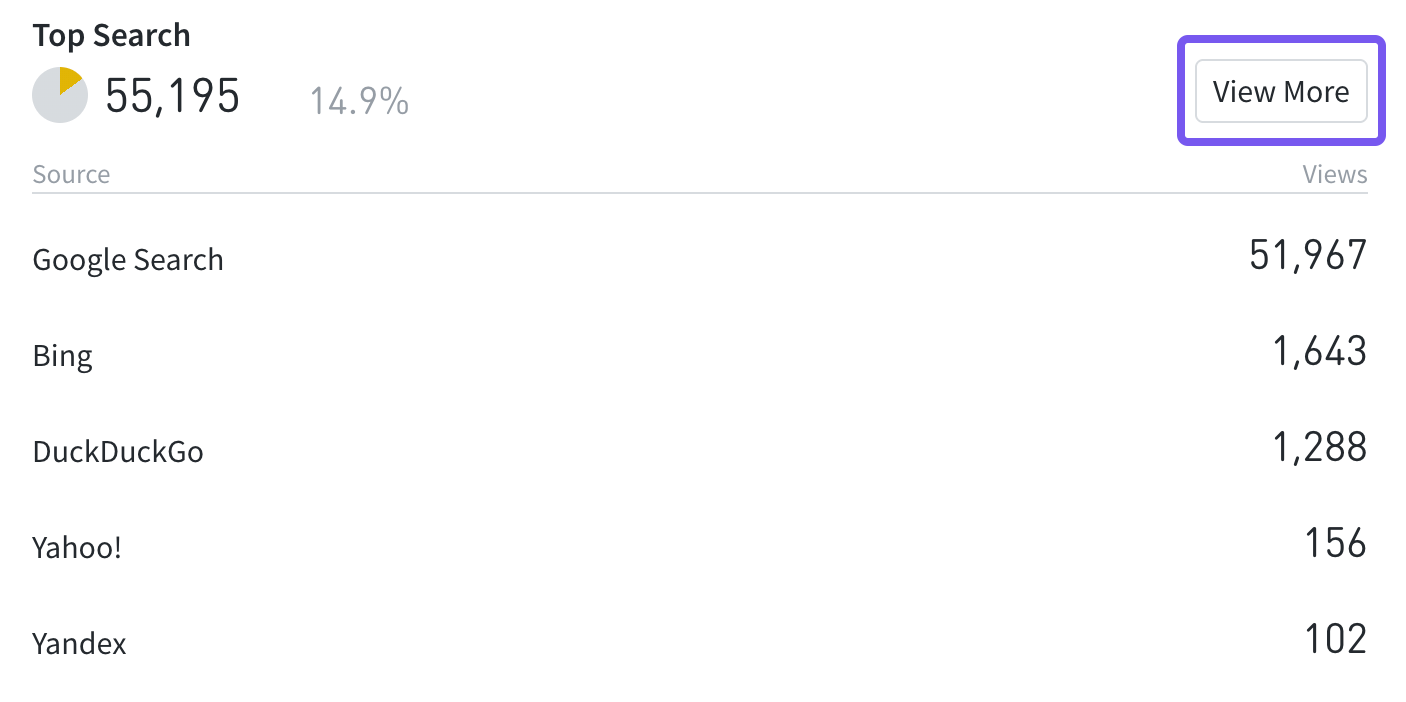
Referrer category details
This listings page can be adjusted much like Parse.ly Dashboard tabs:
Sources
While viewing details of a referrer category, Sources is among the available tabs with more information.
Here, the domains within this referrer category that delivered traffic are listed. A “Links” metric is associated with each, referring to the number of unique URLs from that domain that led to page views.

Referrer Details
Clicking an individual referrer on Referrers or “View More” next to an individual referrer on the referrer categories tab page loads data specific to that referrer. This can be filtered and adjusted just like the referrer category details page.
The Referring URLs tab lists URLs on the domain that sent traffic to your site.

Last updated: December 09, 2025