Site settings menu
The site settings menu, accessible at the far right of the top bar of the Parse.ly Dashboard, enables management of site-wide and network-wide settings. This menu allows admins to manage other users, manage team preferences, view usage, access the API settings page, and manage site groups.
Site settings

Users: Invite, remove, and edit the permissions of other users.
Preferences: Set default metrics, views, sort options, and other common aspects.
Usage: View who your power users are, the most popular reports, and the most visited Dashboard pages.
API: Recrawl individual pages. Find your Site ID / API Key and (if paid) your API Secrets
Network settings
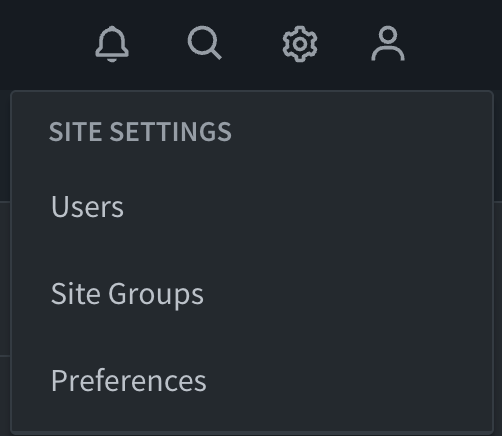
Site Groups: Analyze subsets of your network.
Last updated: July 29, 2026