API settings
Admins can access the API settings page of the account menu from the top bar of the Parse.ly Dashboard. This page is visible only for admins in the account menu when viewing a single site.
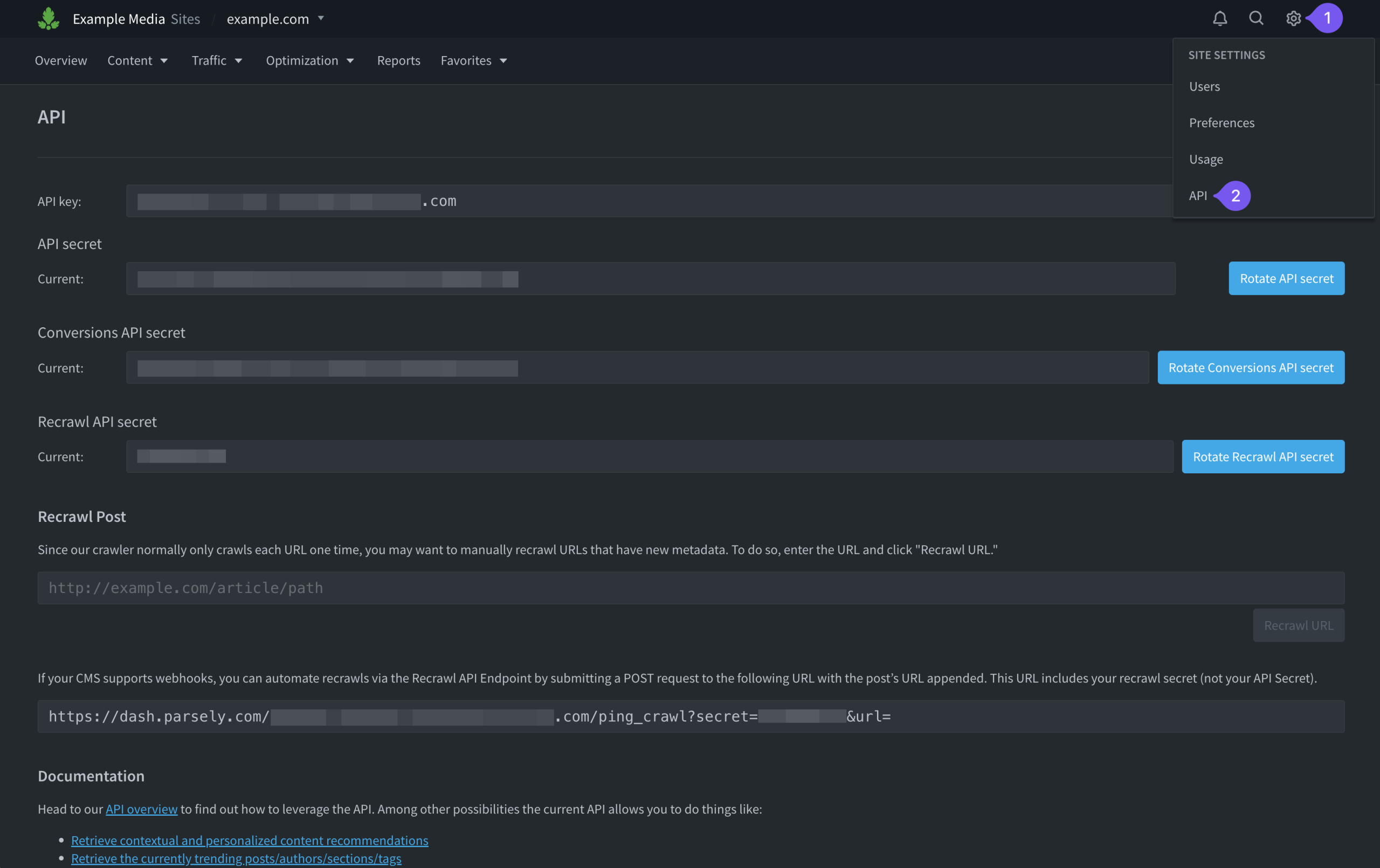
This page provides key information necessary for integration and use of the Parse.ly API.
Note
The Parse.ly API is an add-on feature — contact your Relationship Manager to learn more.
API key and secrets
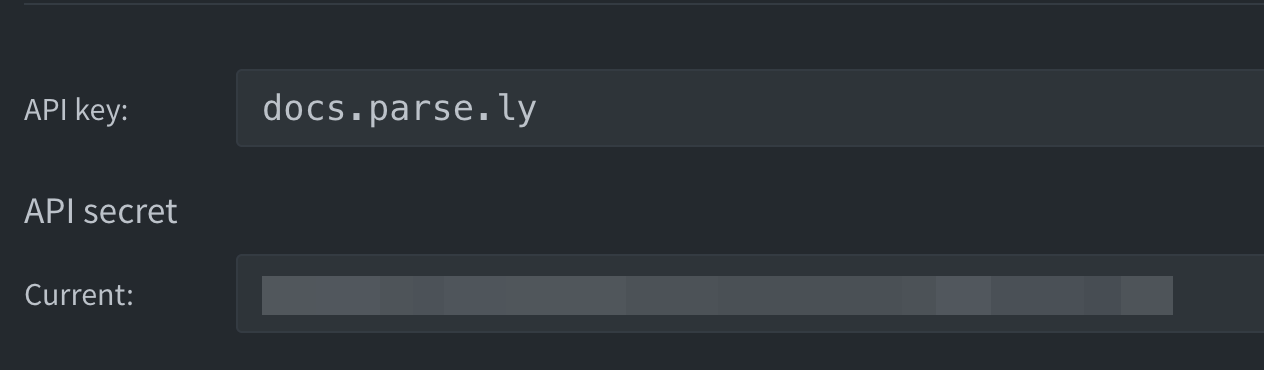
The API key on the API settings page matches your Site ID, the value of which was generated during the site’s initial integration with the Dashboard.
Note
The Conversions API secret is used with Content Conversions, an add-on feature in addition to the Parse.ly API.
The API secret and Conversions API secret are only available on the API Settings page once these features have been purchased. Talk to your Relationship Manager to learn more.
Rotate secrets
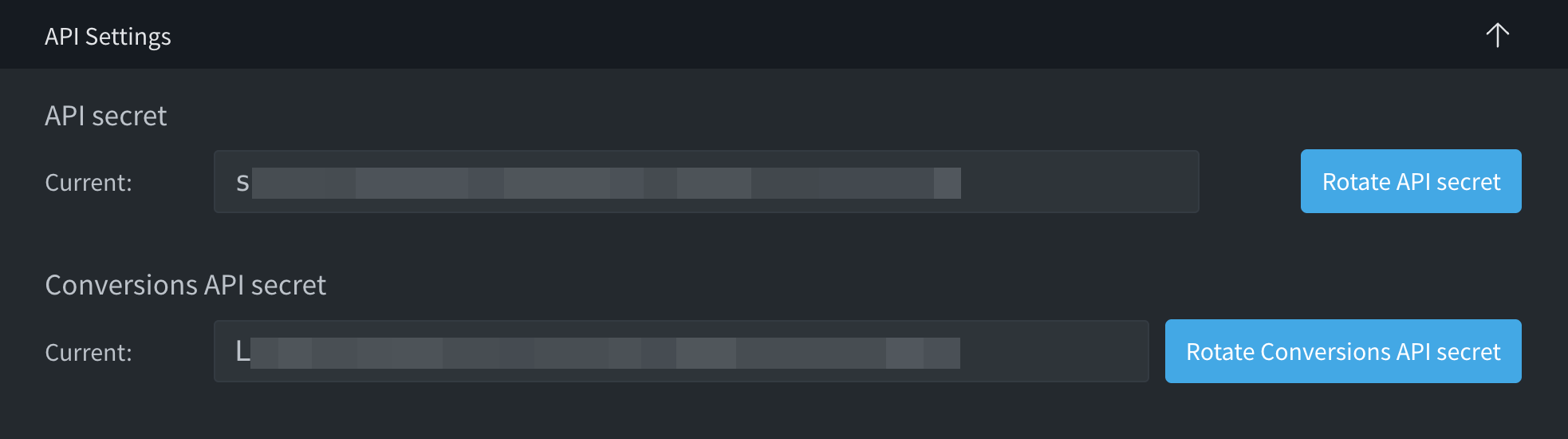
Be sure to safeguard all secrets identified on this page (API secret, Conversions API secret, and ping_crawl secret). If any of the secrets become compromised, use the corresponding button to rotate the secret.
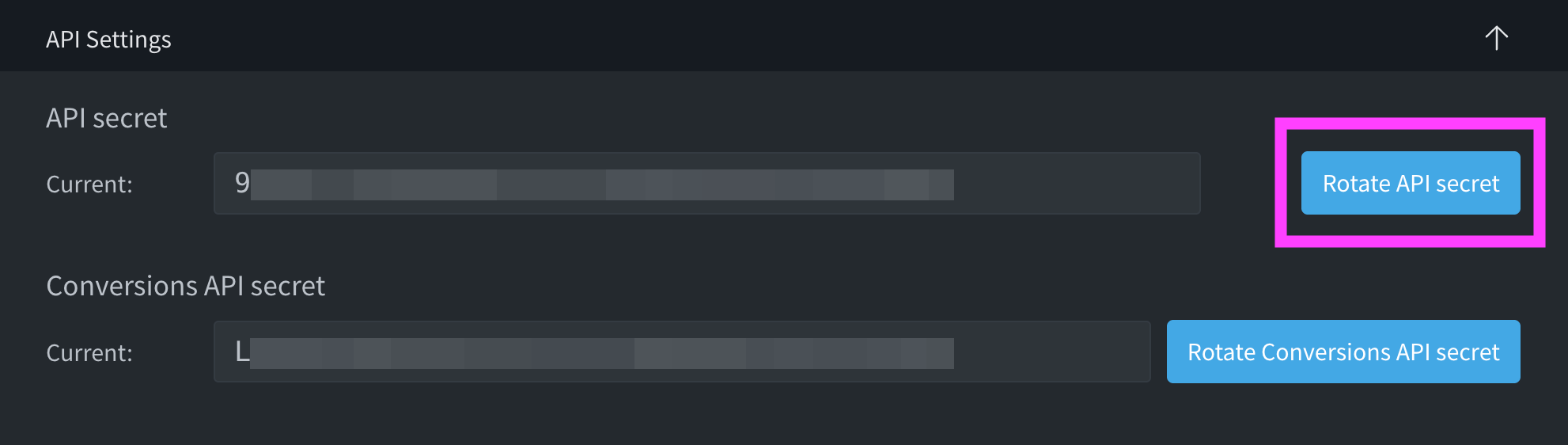
After clicking one of the rotate buttons, a pending secret will appear. This pending secret automatically expires in 90 days. During this 90-day period, update the existing secret on any integrations, scripts, or applications to the pending value. Both the current and the pending secrets will authorize API access.
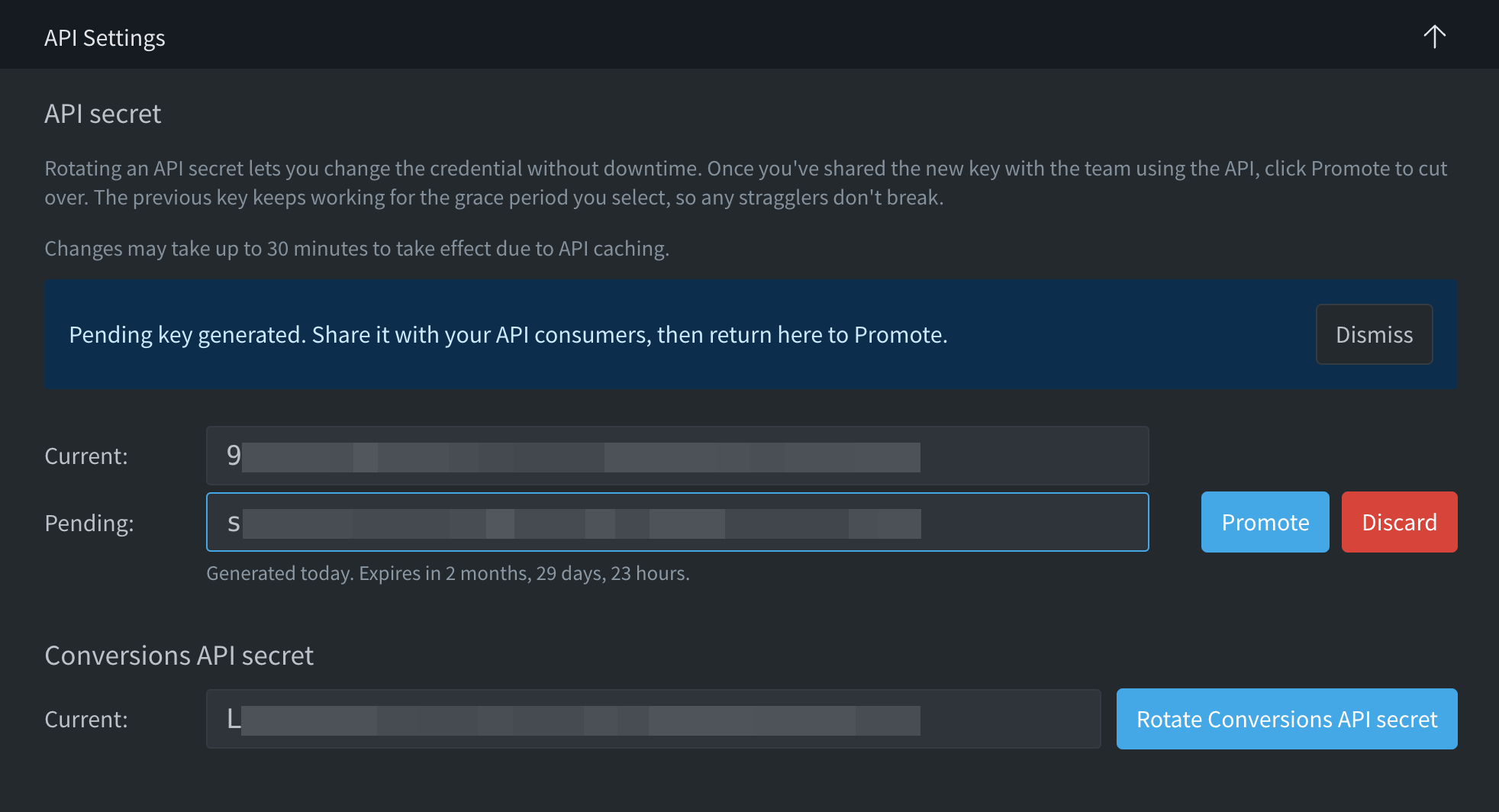
When you’re ready to switch over to the pending secret, click the Promote button. A modal appears with a dropdown menu containing the following options: As soon as possible (up to ~30 min), 1 hour, 24 hours, 7 days, 30 days. This grace period permits use of the old secret for the specified time.
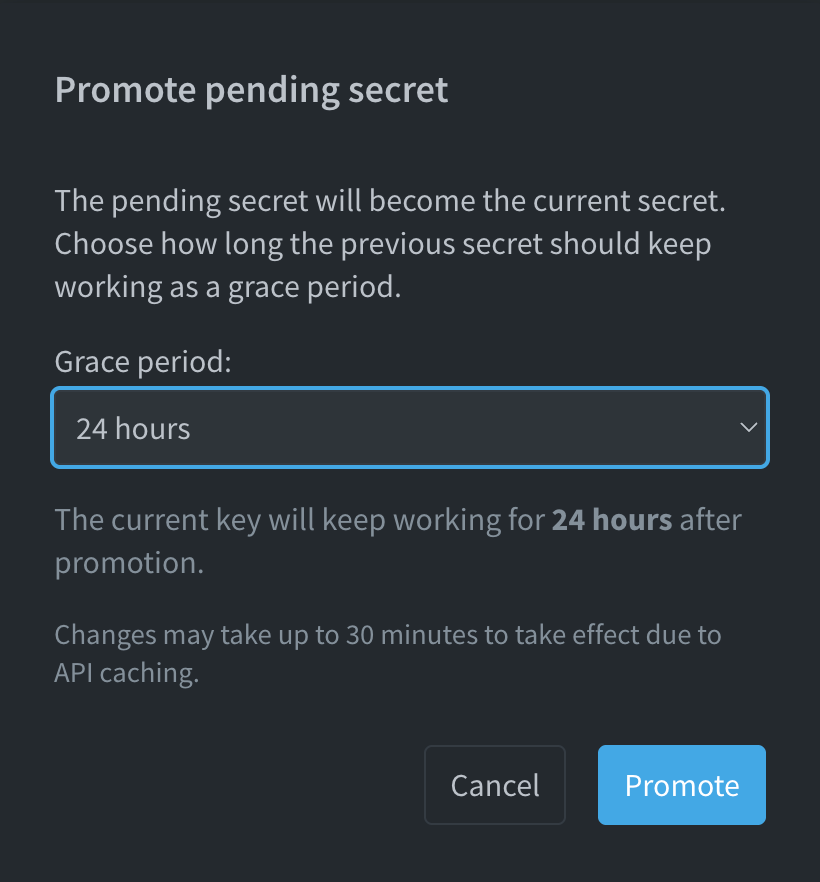
After selecting the desired grace period, click the promote button. The “Pending” secret becomes the “Current” secret. And, what was “Current” becomes “Previous.” Once your team updates all dependencies to the new secret, click the discard button.

A modal appears to confirm that you’re ready to discard the previous secret prior to the expiration of the grace period. Click the discard button to continue.
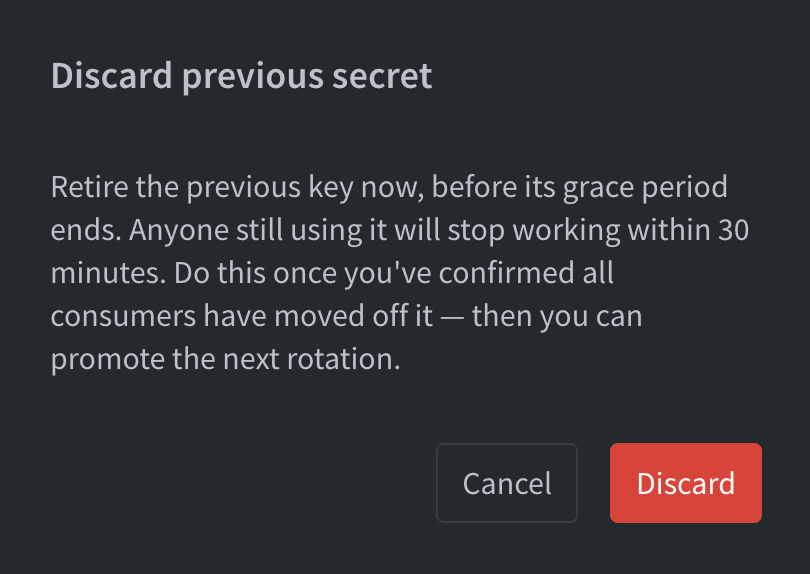
After clicking the discard button, the previous secret no longer works and disappears from the API settings page.
Recrawl single URLs

You can choose to manually trigger a recrawl of a single URL from the Dashboard using the API Settings page. Enter the URL, then click “Recrawl URL” to update its metadata in the Dashboard.

The recrawl API endpoint does not require purchase of the Parse.ly API. This endpoint is an option for automatically updating metadata via your CMS, if it supports webhooks.
Last updated: July 10, 2026