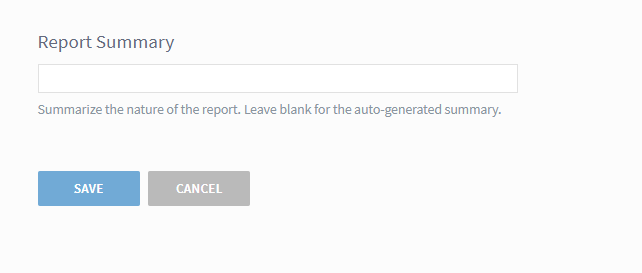
When creating a scheduled report, you can now add a custom subject line to the report that will appear when the report arrives in your emailbox.
The new option appears at the bottom of the Parameters screen when creating or editing a report.
The custom title will also appear in the Recently Run and Scheduled tabs in the dashboard interface and will be the title that appears on your HTML report.
Two notes about fragments: 1) Data is only available since Oct. 1; 2) Your site must have a URL structure where paths are present in order for data to be available.
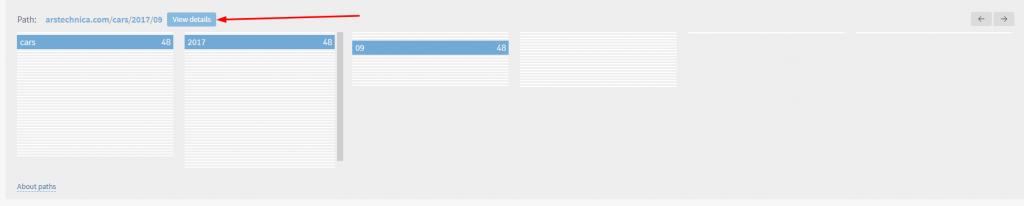
Path fragments are displayed like this:
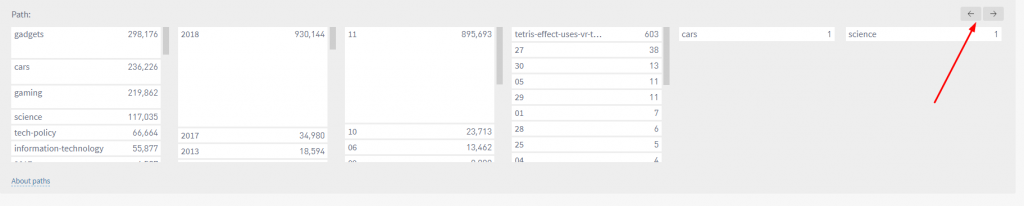
When making a selection, the list of fragments will immediately narrow to show only the lower-level fragments that appear with the selected fragment.
The height of each row shows the popularity of the fragment compared to other fragments. That is, the taller the path fragment’s box, the more page views it received (or referrer views when on a referrer detail page) relative to the other path fragments.
Once you have selected a path fragment, you can click on the “View Details” option to see full information about URLs matching the pattern.
You can drill down as many levels as need be – additional levels can be added to the screen using the arrows in the upper right corner of the Paths box.
Paths are available as a filter in all sections of the dashboard as well as in the reporting suite.
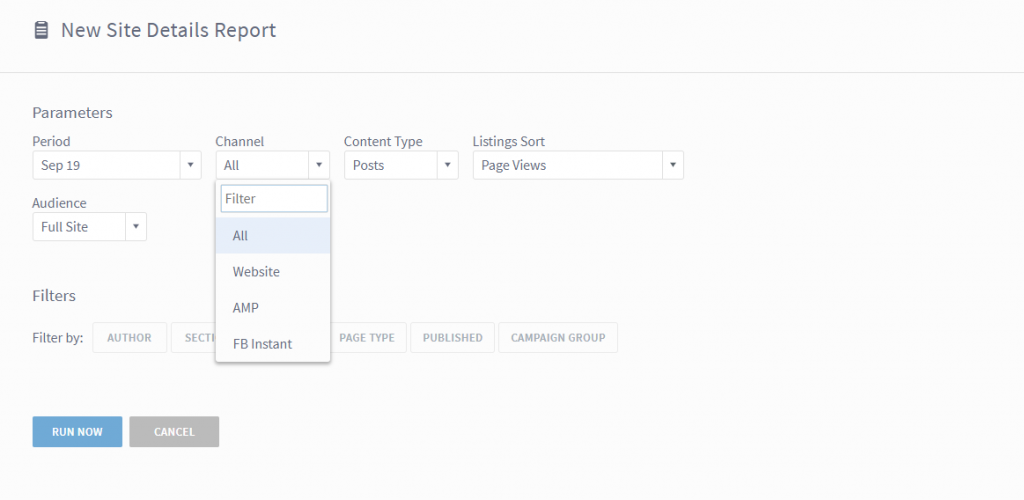
In the reporting suite, you now have the option to see data specifically for Google AMP or Facebook Instant – or specifically without both channels. September 18, 2023 Update: Facebook Instant Articles is deprecated.
In Top Listings, Details and Stats Over Time, these new options are now available, giving you increased visibility into the impact of your efforts on those platforms.
Saved Views
You now have the ability to save configured views in the dashboard, a request we’ve heard from many users and the highlight of this release.
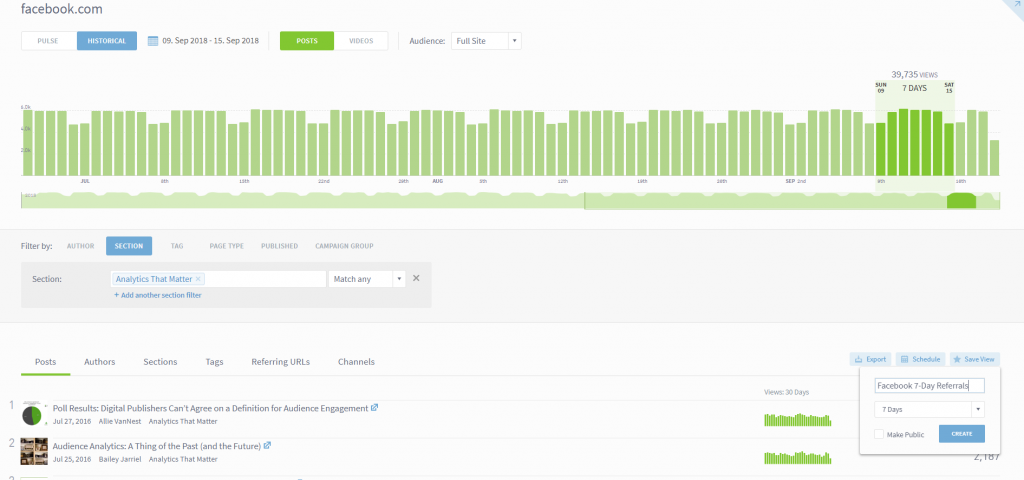
You can now, for example, set up a combination of filters once and not have to redo those configurations each time you use the dashboard. Perhaps you want to quickly see what stories in a specific section received the most traffic from Facebook during the past week. Easy enough:
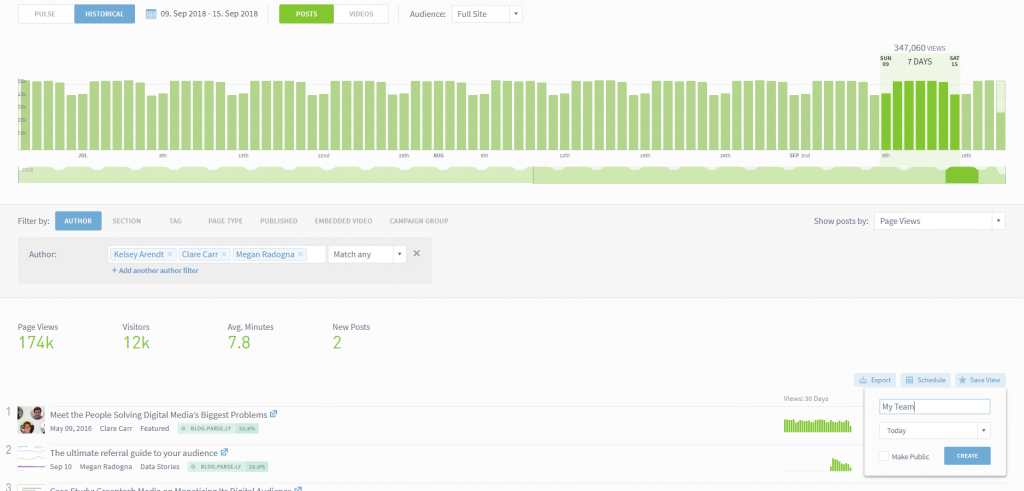
Or perhaps you want to track a specific group of authors on a single screen. Again, easy to set up and save:
Simply save the desired view and decide whether to share it with the rest of your organization or keep it for yourself.
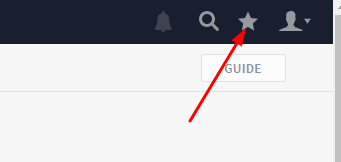
Once you save a view, you can access it by using the star in the menu in the upper right portion of the screen:
Useful Views
In the Guide tool, we’ve also added some quick clicks to popular views. Think of these as useful filters to help you easily find the information you need:
These appear in each dashboard screen where the Guide button is available.
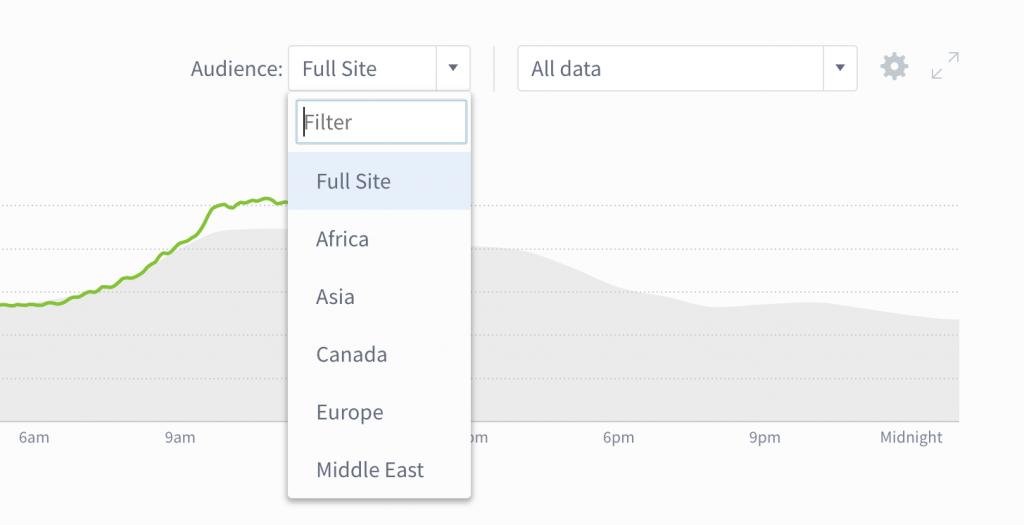
Often, it’s hard to pick out the habits and interests of niche audiences from sweeping aggregate trends. With audience segments, you can understand and optimize for audience subsets like subscribers, users, regional readers, and more.
This release aims to help you get more out of the reporting suite.
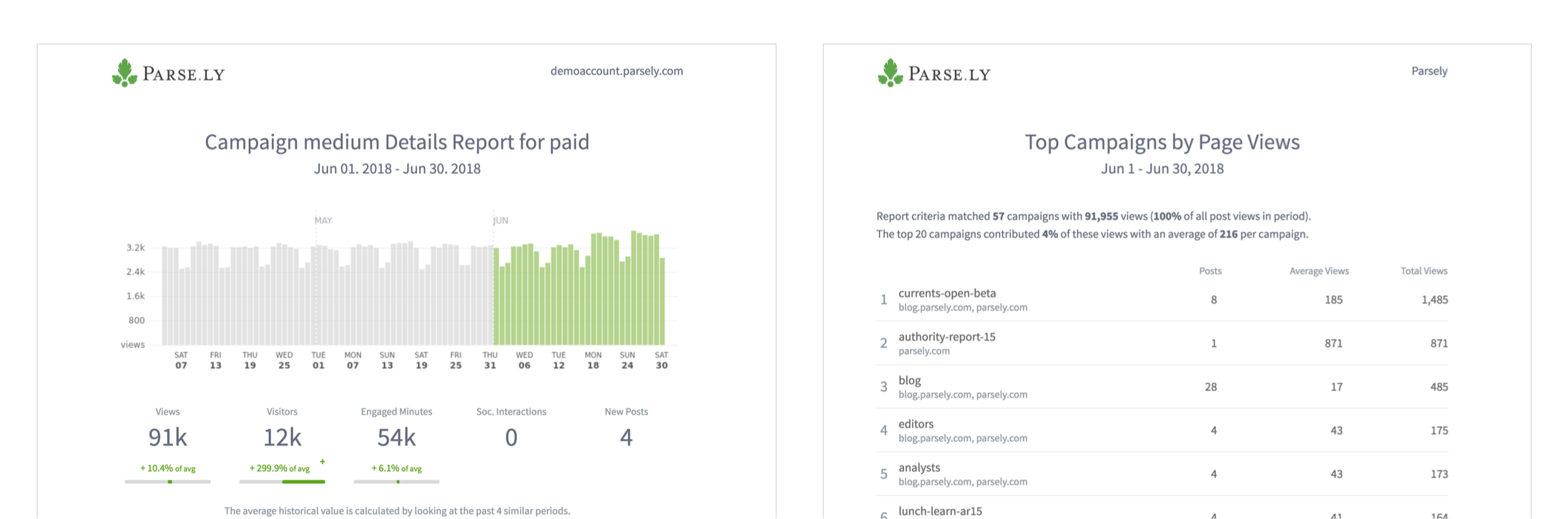
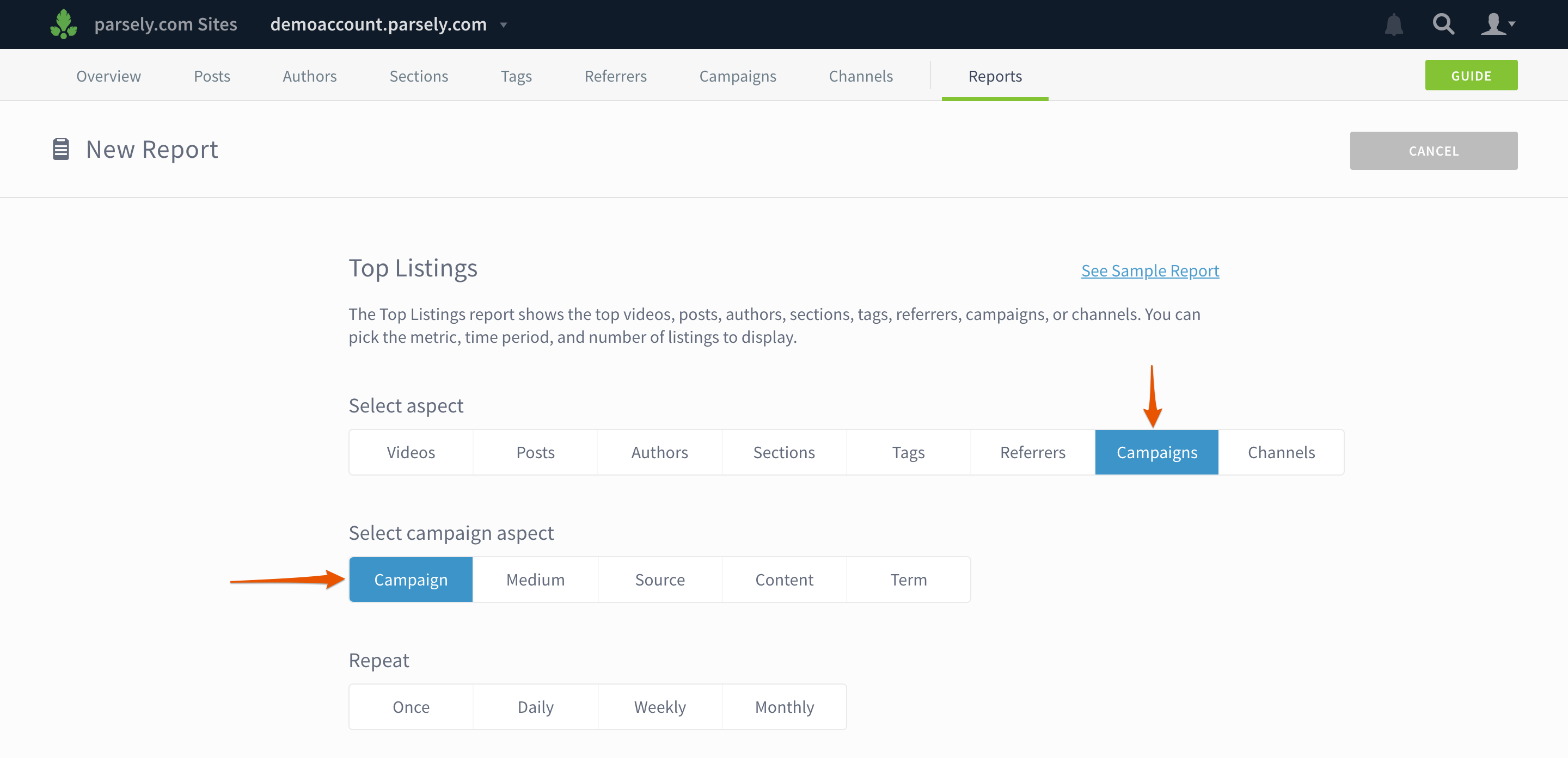
See campaign performance in Top Listings and Details reports
Get a high-level look at the top campaigns or dig into a detailed report on a specific campaign’s performance.
When you create a new report, you can add campaign data by selecting Campaigns and a campaign aspect. (Note: campaign data is not yet available for Stats Over Time, Evergreen Overview, or Audience Overview reports.)
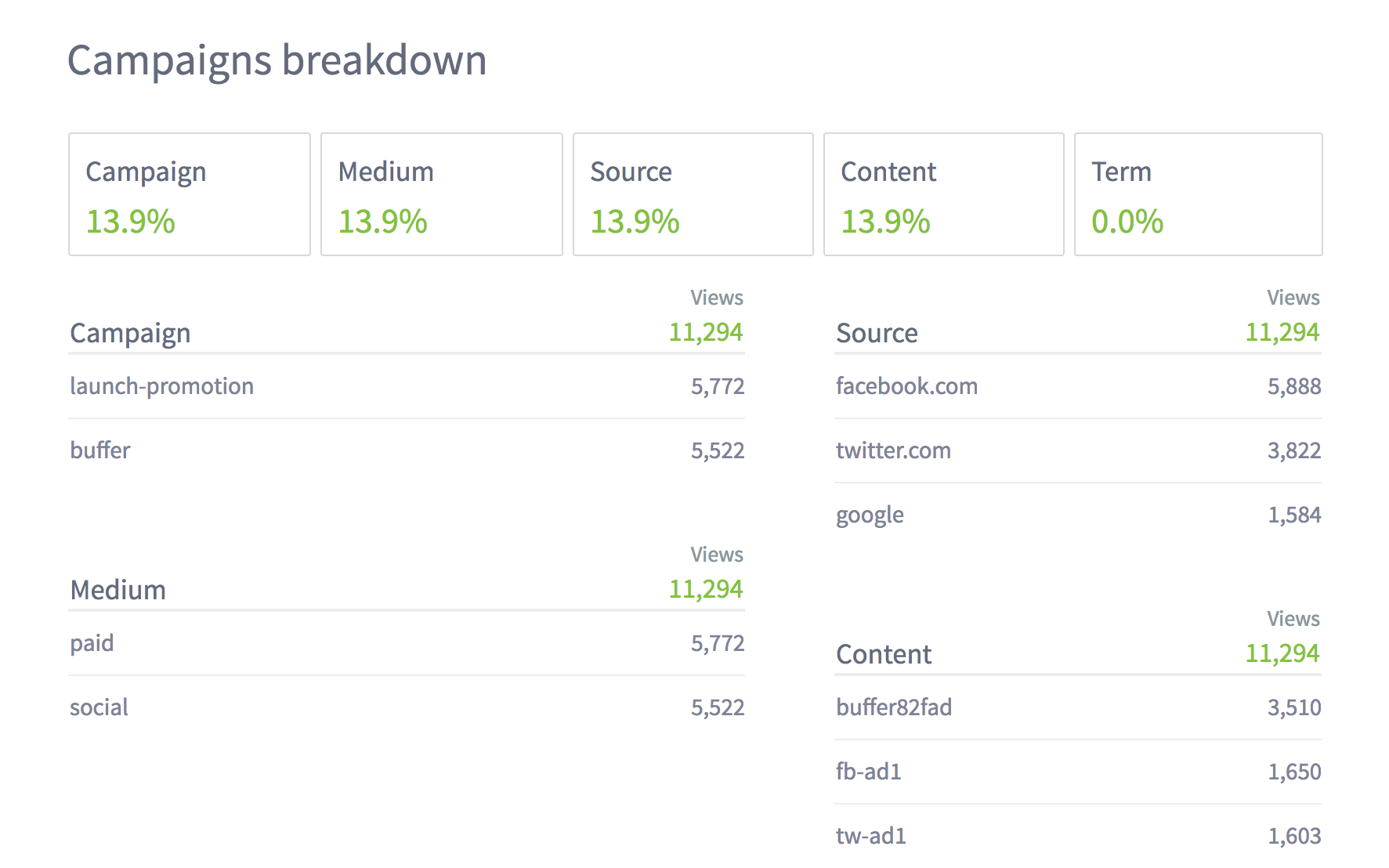
Campaign data also appears in all Details reports, so you can see the top campaigns by section, author, tag, etc.
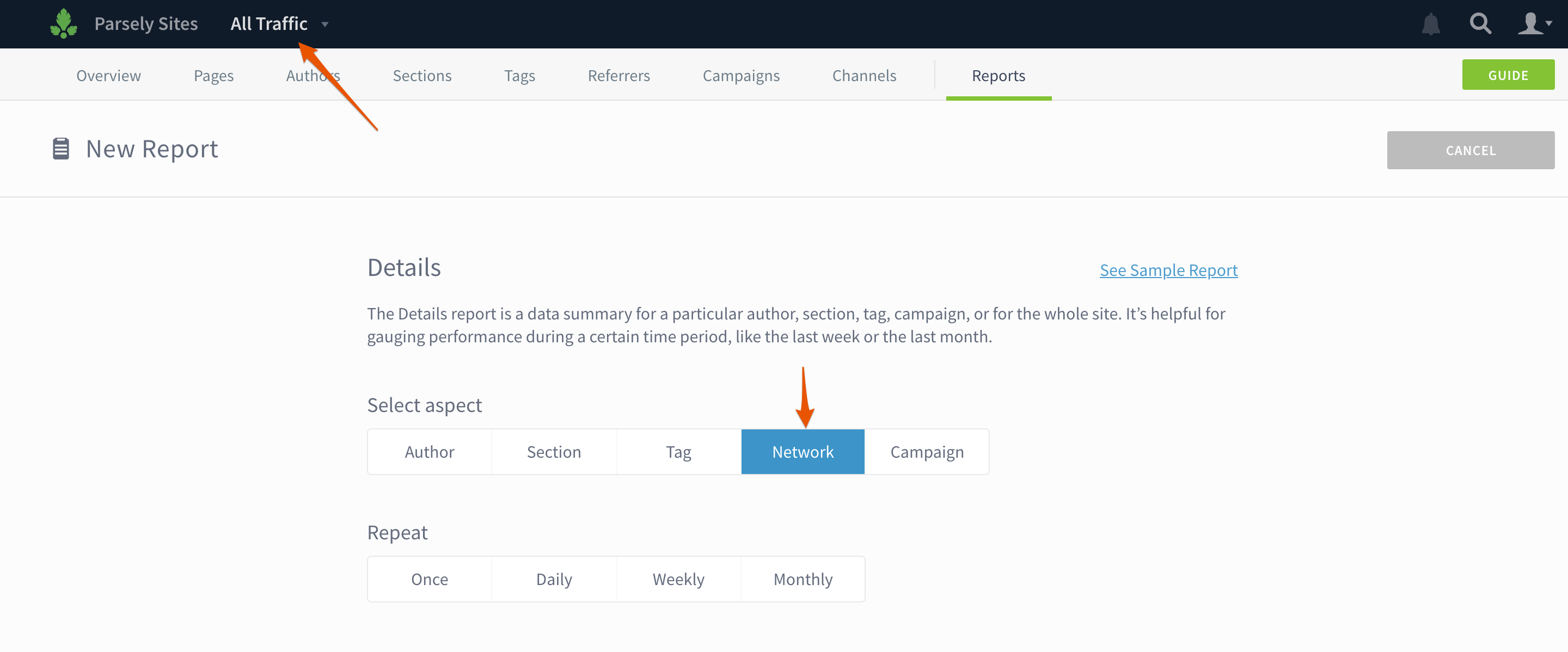
Create a Details report for your whole network or a site group
If you have Network Rollup enabled, you can see how content is performing across your entire network or a group of sites. Select All Traffic or the site group name in the drop down and then select Network or Site Group when you create a Details report.
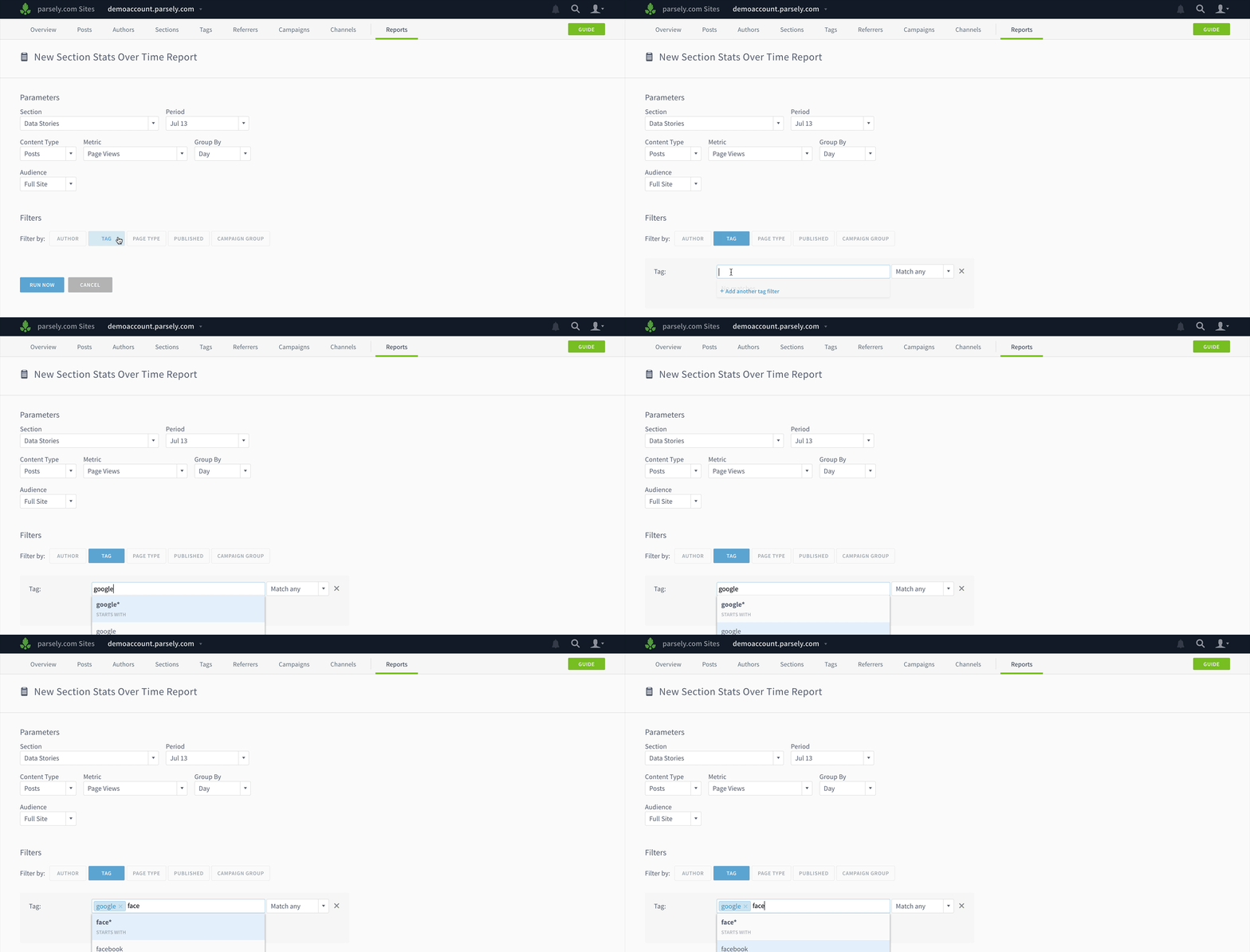
Filter Details and Stats Over Time reports
Add filters to your reports to show the performance of certain topics in a section, specific sections for an author, etc.
Other improvements
Stats Over Time reports and exports now contain a column showing the number of posts published in the selected interval.
Export Top Listings directly from author, section, or tag details pages.
Parse.ly’s on-page analytics bookmarklet now has seven metrics for evaluating slot performance, as well as referrer, visitor, and device breakdowns on each and every page.
You can now gauge the impact of marketing campaigns on video engagement. The Campaigns page shows how video starts, visitors, and minutes watched vary from campaign to campaign. Video details pages also display campaign data.