Product update: September 18, 2018
Channel Filtering in Reports
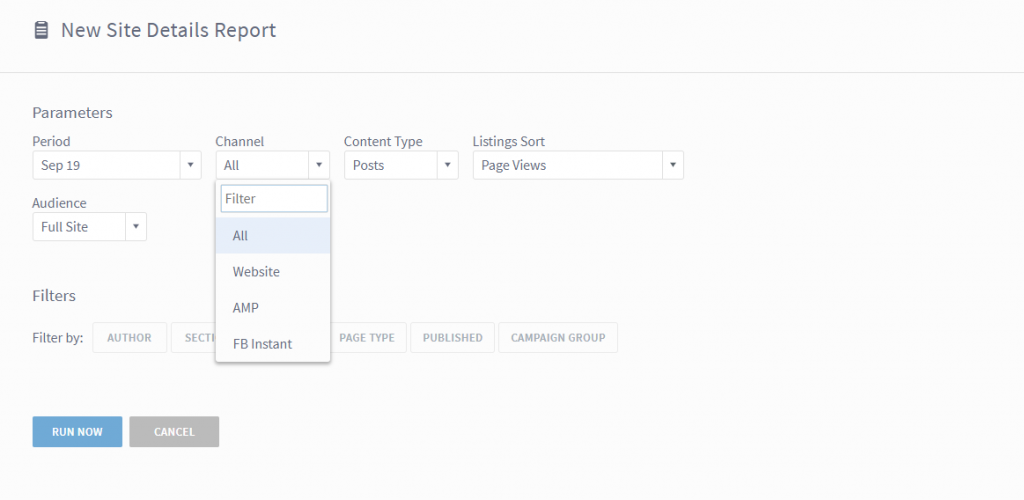
In the reporting suite, you now have the option to see data specifically for Google AMP or Facebook Instant – or specifically without both channels. September 18, 2023 Update: Facebook Instant Articles is deprecated.
In Top Listings, Details and Stats Over Time, these new options are now available, giving you increased visibility into the impact of your efforts on those platforms.
Saved Views
You now have the ability to save configured views in the dashboard, a request we’ve heard from many users and the highlight of this release.
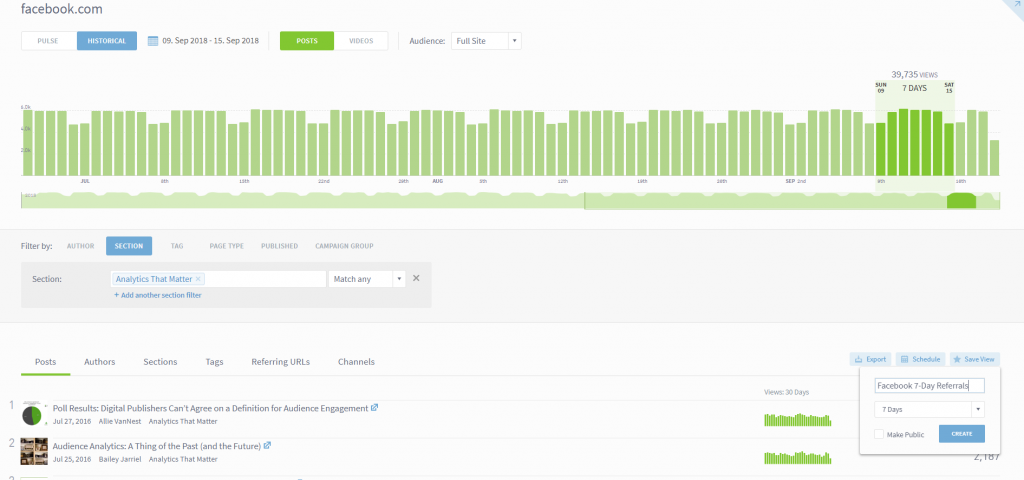
You can now, for example, set up a combination of filters once and not have to redo those configurations each time you use the dashboard. Perhaps you want to quickly see what stories in a specific section received the most traffic from Facebook during the past week. Easy enough:
Or perhaps you want to track a specific group of authors on a single screen. Again, easy to set up and save:
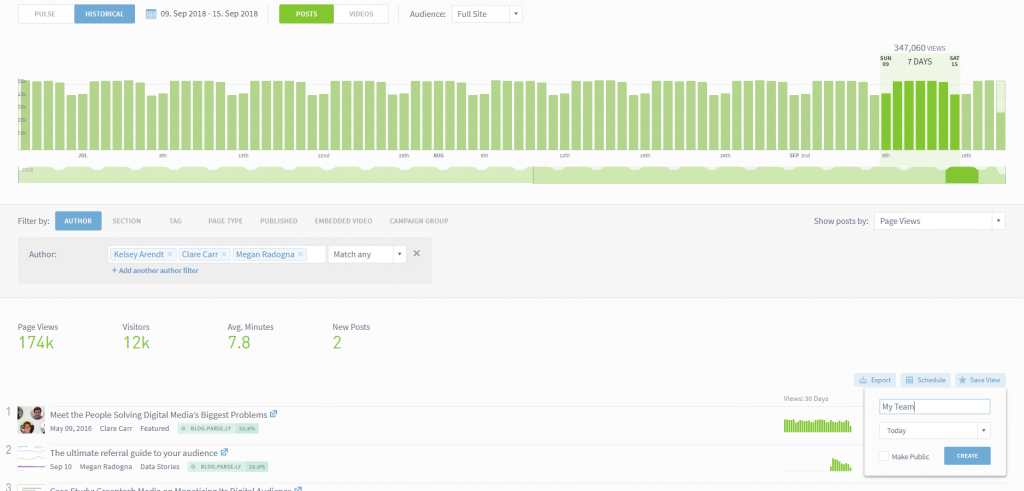
Simply save the desired view and decide whether to share it with the rest of your organization or keep it for yourself.
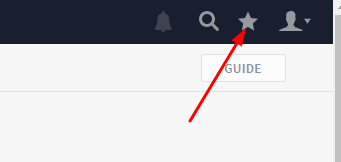
Once you save a view, you can access it by using the star in the menu in the upper right portion of the screen:
Useful Views
In the Guide tool, we’ve also added some quick clicks to popular views. Think of these as useful filters to help you easily find the information you need:

These appear in each dashboard screen where the Guide button is available.
Last updated: September 17, 2025