Product update: July 17, 2018
This release aims to help you get more out of the reporting suite.
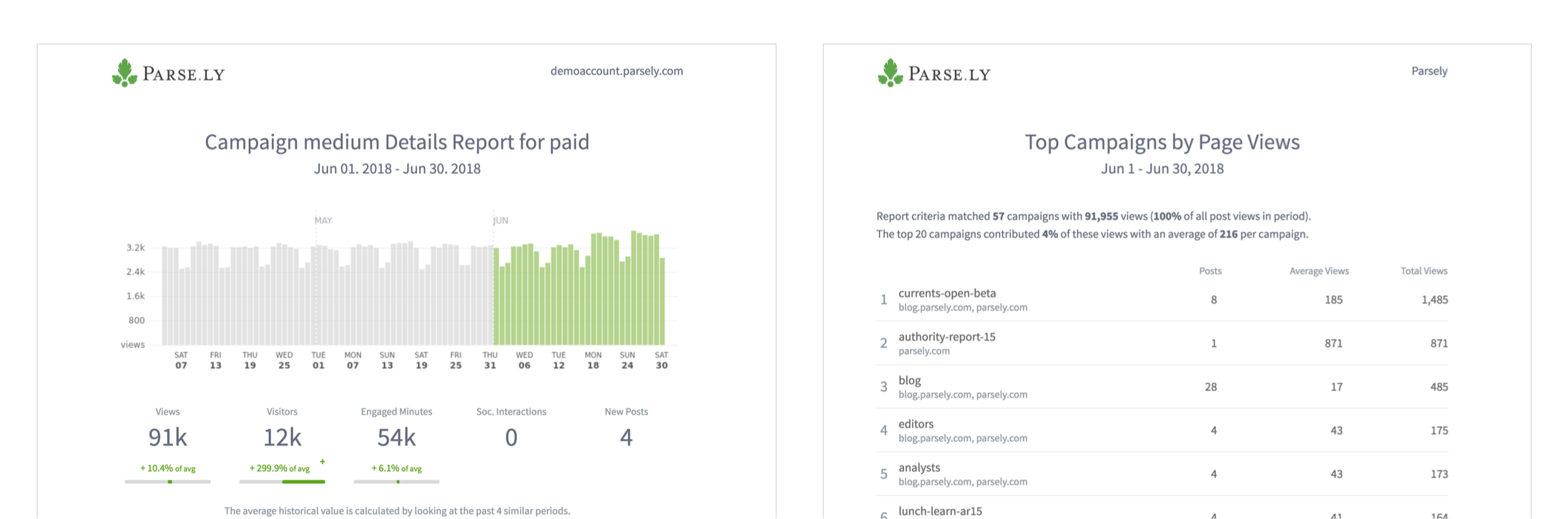
See campaign performance in Top Listings and Details reports
Get a high-level look at the top campaigns or dig into a detailed report on a specific campaign’s performance.
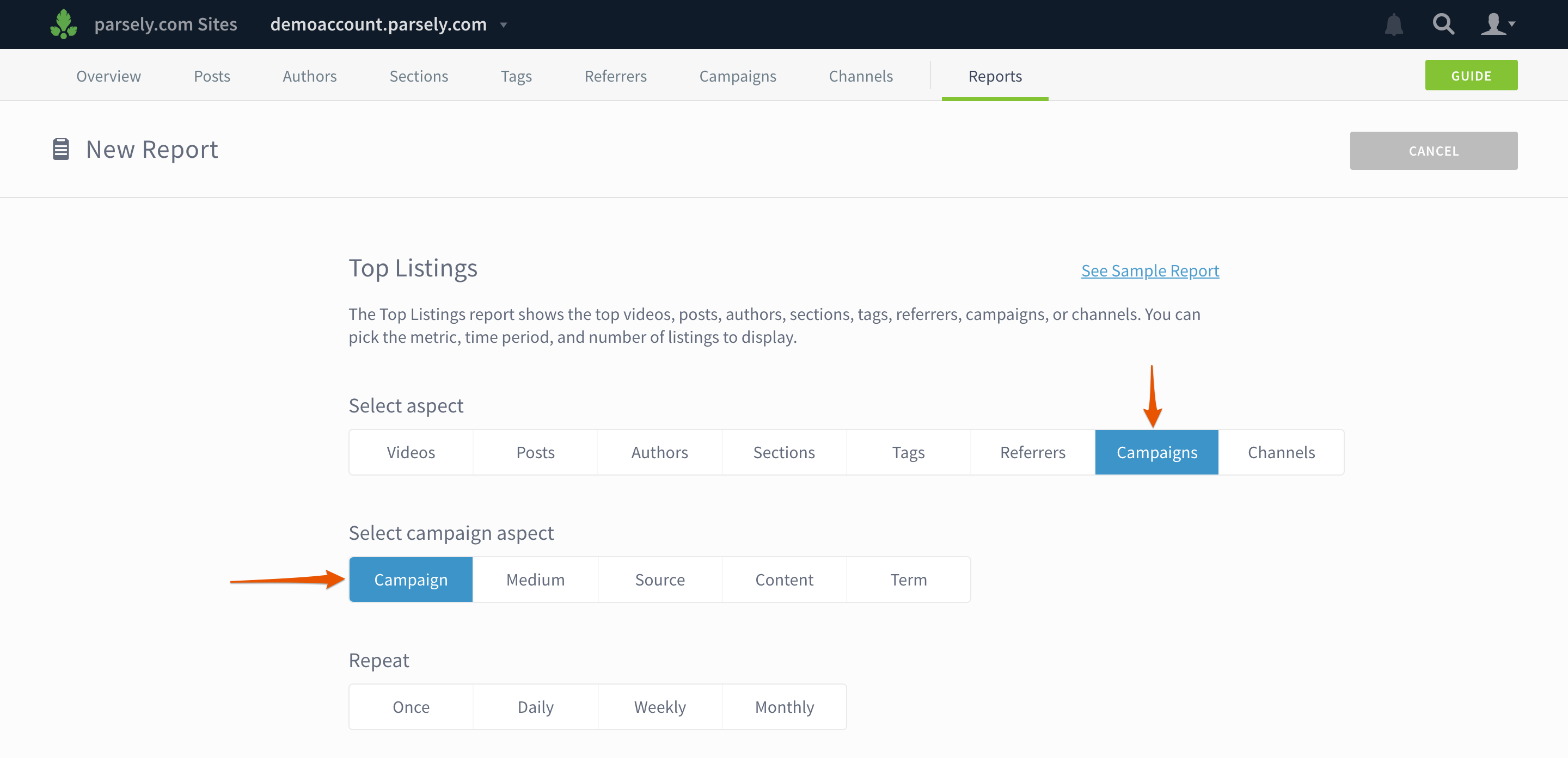
When you create a new report, you can add campaign data by selecting Campaigns and a campaign aspect. (Note: campaign data is not yet available for Stats Over Time, Evergreen Overview, or Audience Overview reports.)
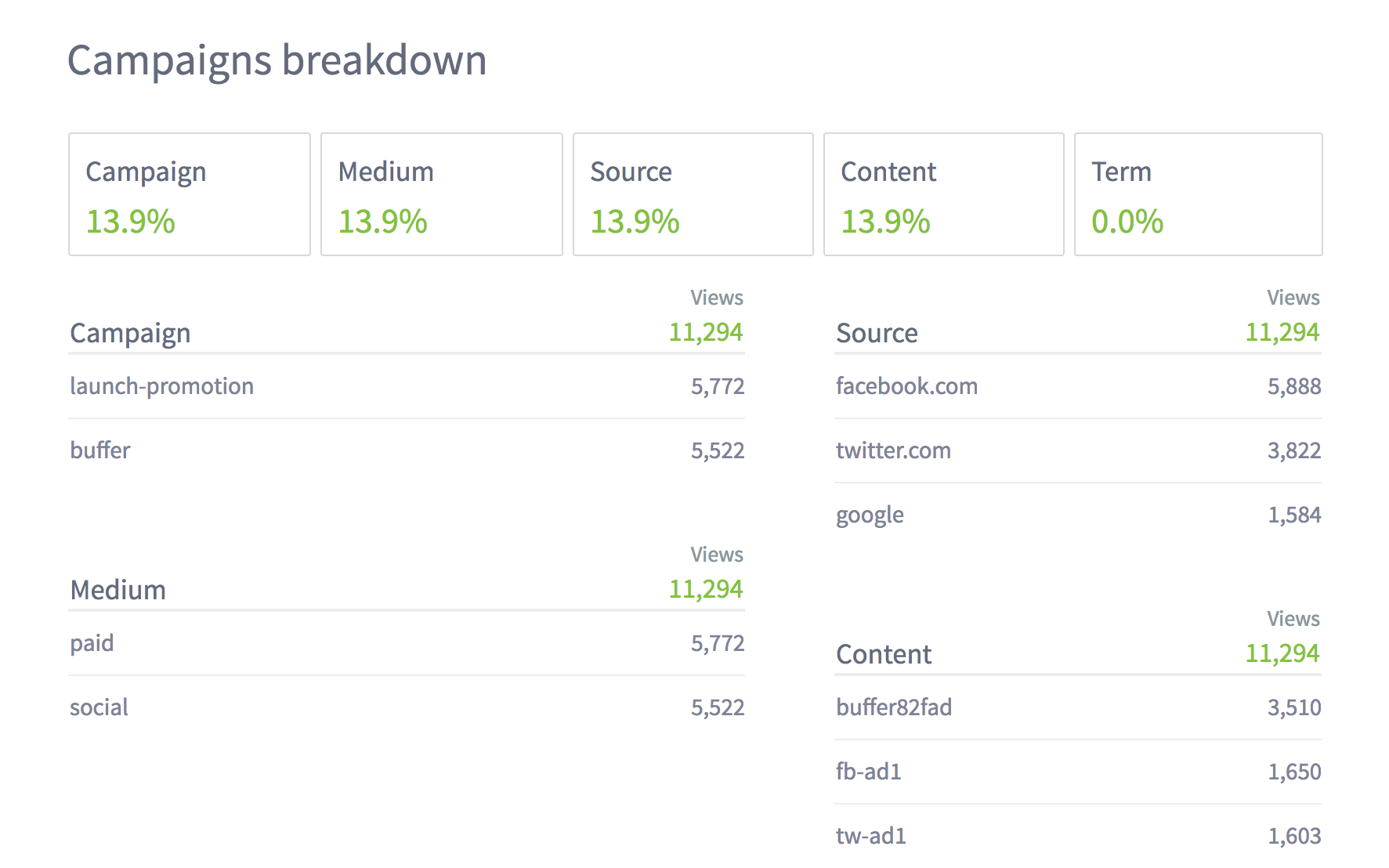
Campaign data also appears in all Details reports, so you can see the top campaigns by section, author, tag, etc.
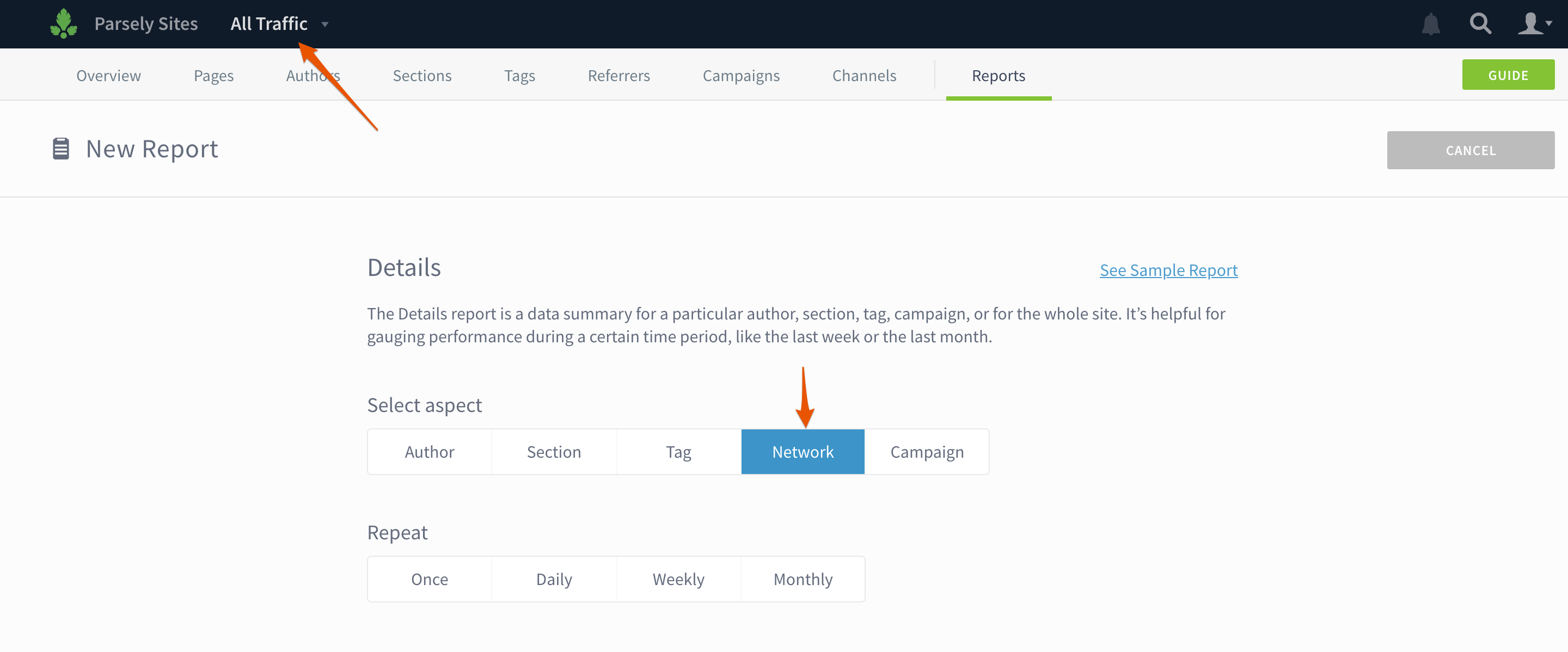
Create a Details report for your whole network or a site group
If you have Network Rollup enabled, you can see how content is performing across your entire network or a group of sites. Select All Traffic or the site group name in the drop down and then select Network or Site Group when you create a Details report.
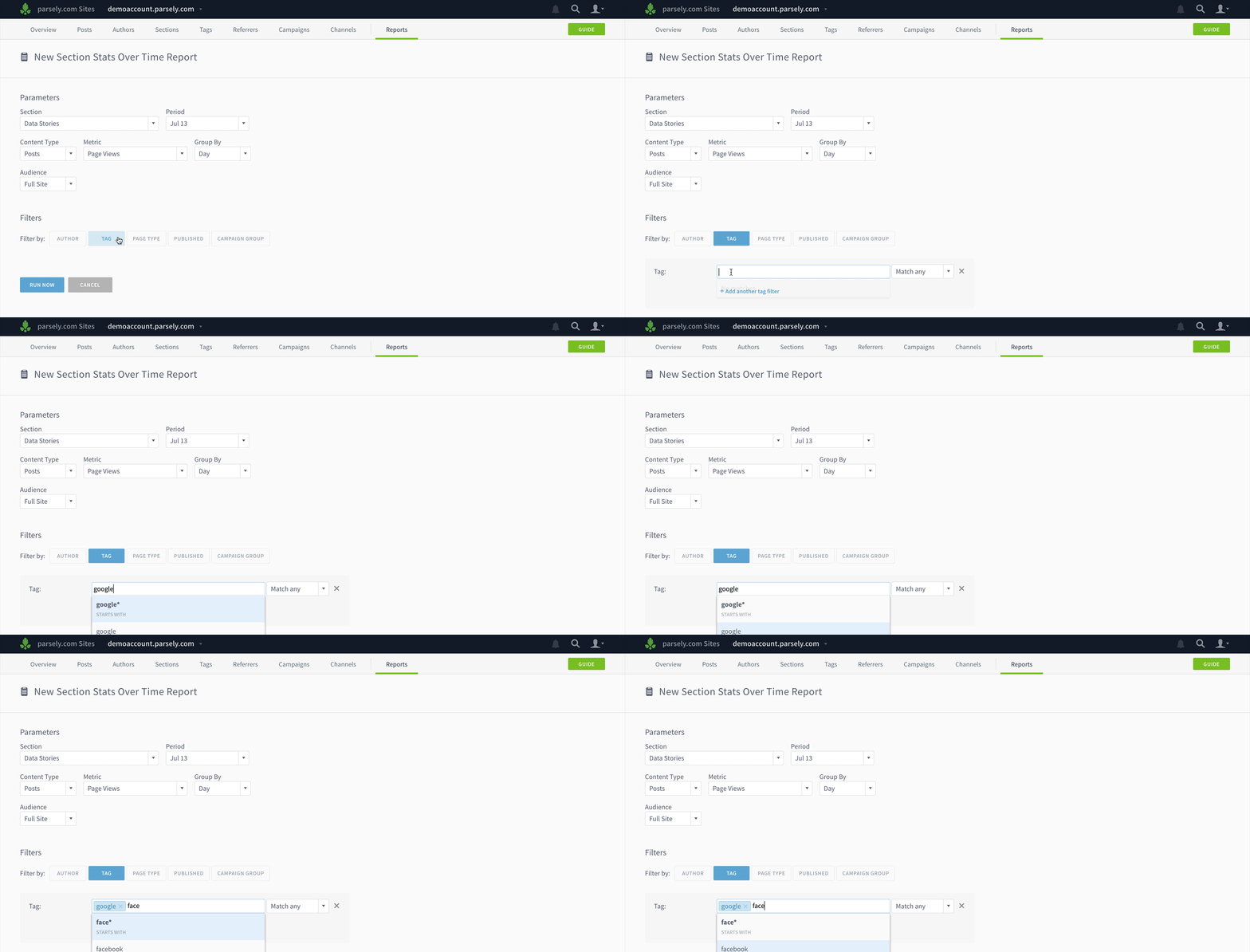
Filter Details and Stats Over Time reports
Add filters to your reports to show the performance of certain topics in a section, specific sections for an author, etc.
Other improvements
- Stats Over Time reports and exports now contain a column showing the number of posts published in the selected interval.
- Export Top Listings directly from author, section, or tag details pages.
- Get an export or report for a network’s top sites.
- UI updates to the mobile app.
Last updated: September 17, 2025