Product update: June 6, 2025
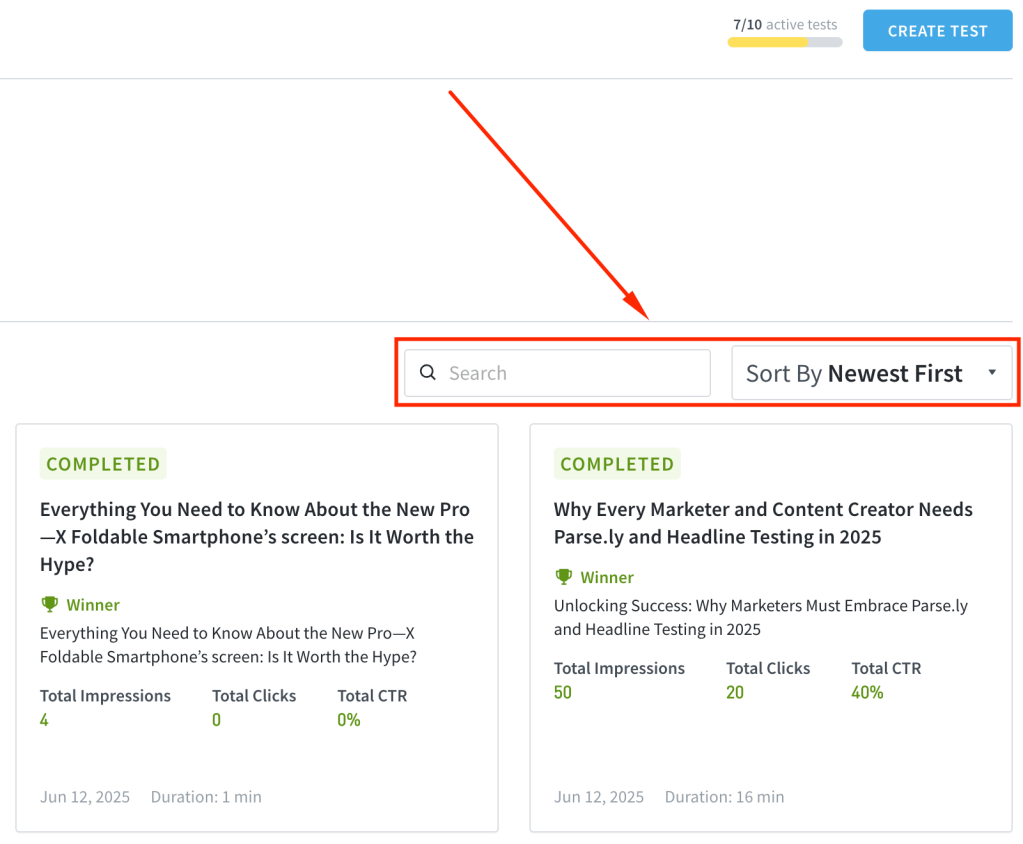
Search and Filtering Added to Headline Testing & Optimization
If you manage multiple headline tests or optimizations, you can now search, filter, and sort to quickly find the tests you’re looking for, making the experience faster and more organized.
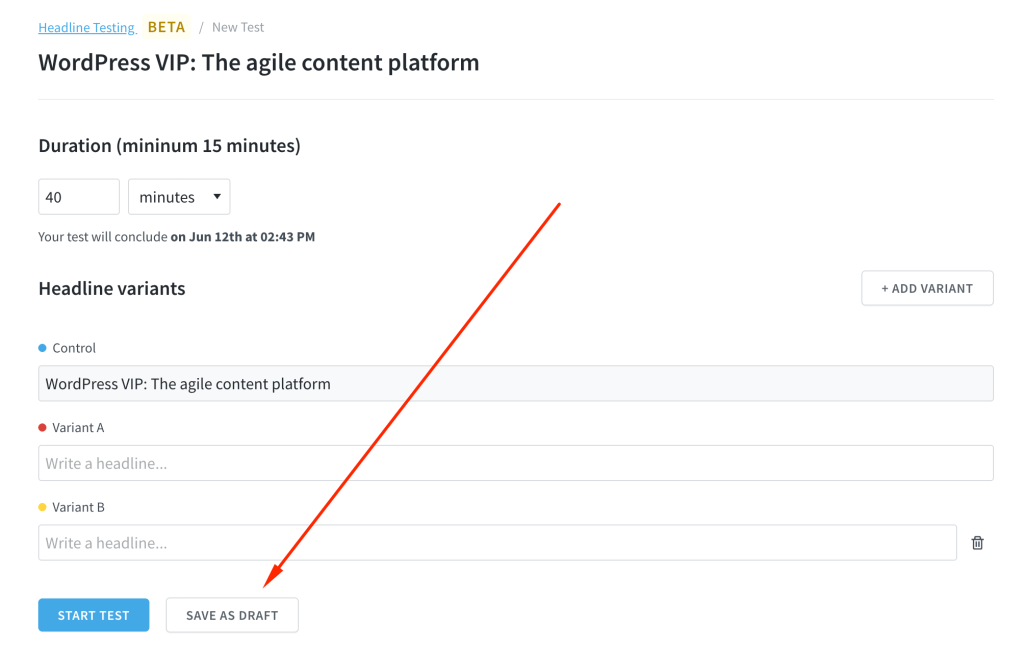
Save Headline Tests & Optimizations as Drafts
You can now save headline tests and optimizations as drafts if you’re not ready to launch immediately. Start when you’re ready and return later to continue editing.
Other Headline Testing & Optimization Improvements:
- You can now view additional metadata such as start and end dates, number of variants, and test duration just below the test title.
- The chart on a headline test detail page has been repositioned just below the aggregated results for better context.
- You’ll now get a notification if two variants are duplicates, helping you clean up and differentiate your tests.
- The issue where the Headline Testing menu in the top bar was difficult to locate on some devices has been resolved.
Improvements & Bug Fixes:
- The Parse.ly Usage page in the dashboard has been redesigned to include Users and Reports on the same page, now organized as tabs.
- We’ve added pagination to the Goals feature and updated the limits, making it easier to find and manage your goals.
- Resolved an issue where filters such as aspects and periods couldn’t be applied when creating a scheduled report.
- You will no longer see GSC data at the network level until full support for network-wide GSC data is available.
Last updated: September 17, 2025