Product update: January 19, 2022
Conversions timeline on Overview
You can now customize Overview to show conversions in the timeline, instead of page views.
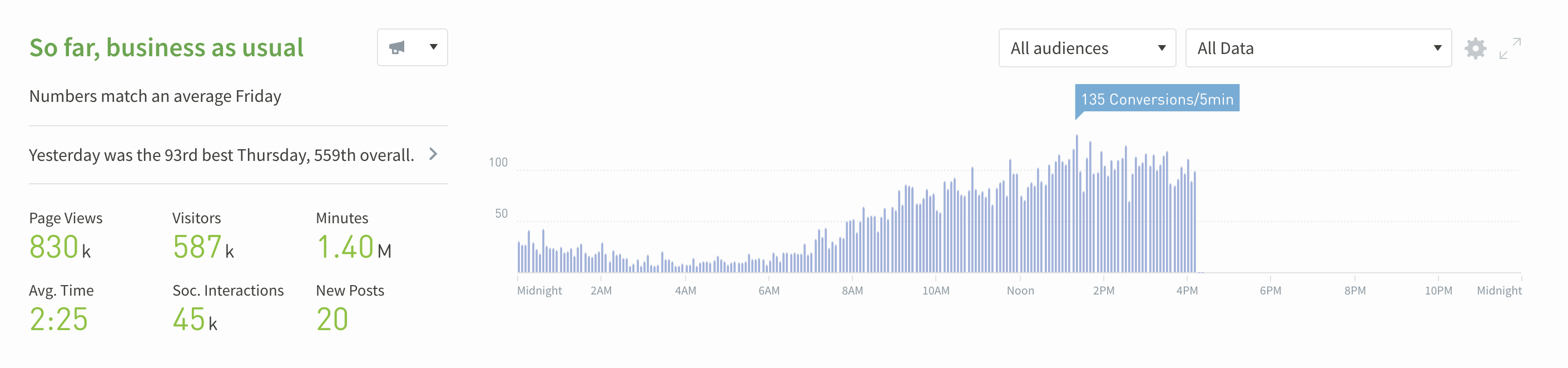
To make changes to the Overview timeline:
- Click the cog on the upper right-hand corner of the page.
- Click Summary & Timeline.
- Click Timeline Metrics.
- Select Conversions.
Check out this video for more information about customizing Overview with conversions.
Last updated: September 17, 2025