Product update: August 10, 2021
We’ve made some tweaks to the dashboard. You might notice a few changes like:
Improved accessibility for keyboard users
Tab through dashboard elements in Parse.ly, like navigations, menus, and buttons.
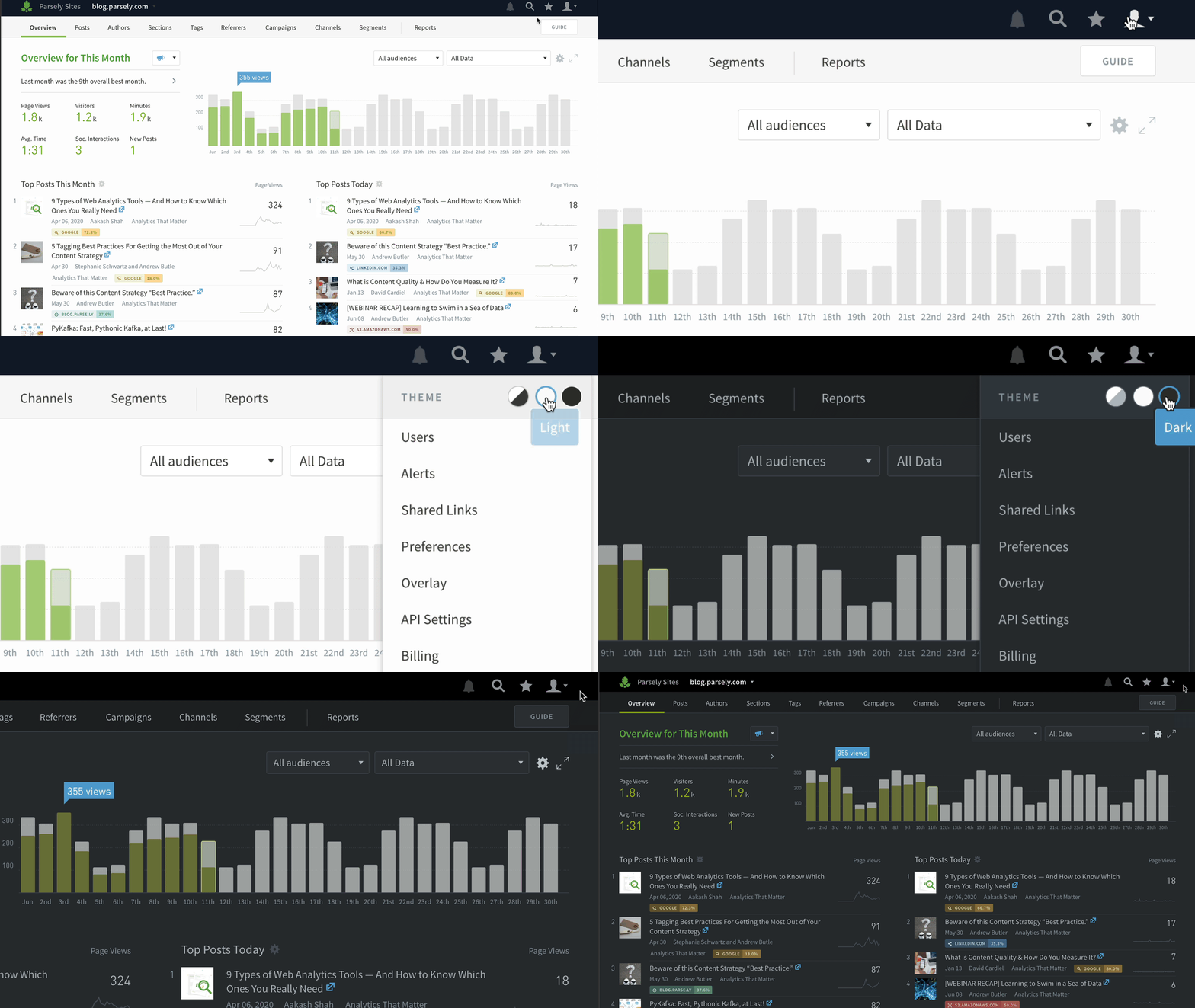
Dark mode
Eyeballs, rejoice! Easily switch between light mode, dark mode, or automatic (changes with your systems settings).
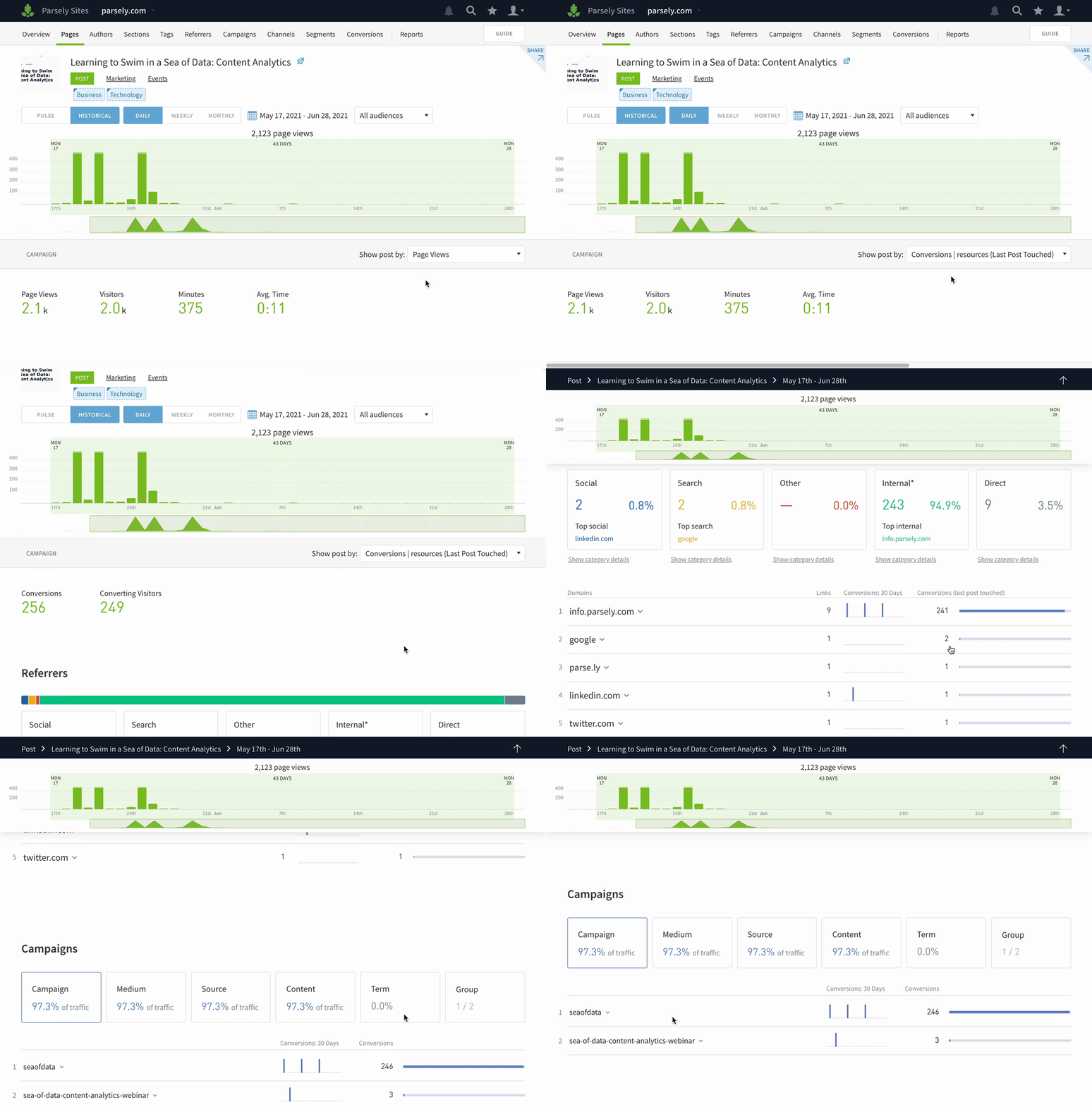
Conversions on post details pages
Now you can see how visitors got to a particular page before converting. This can be useful when you’re trying to understand what referrers and campaigns successfully got folks to sign up for a webinar or download an asset. Go to any post details page and click Conversion from the metric dropdown menu.
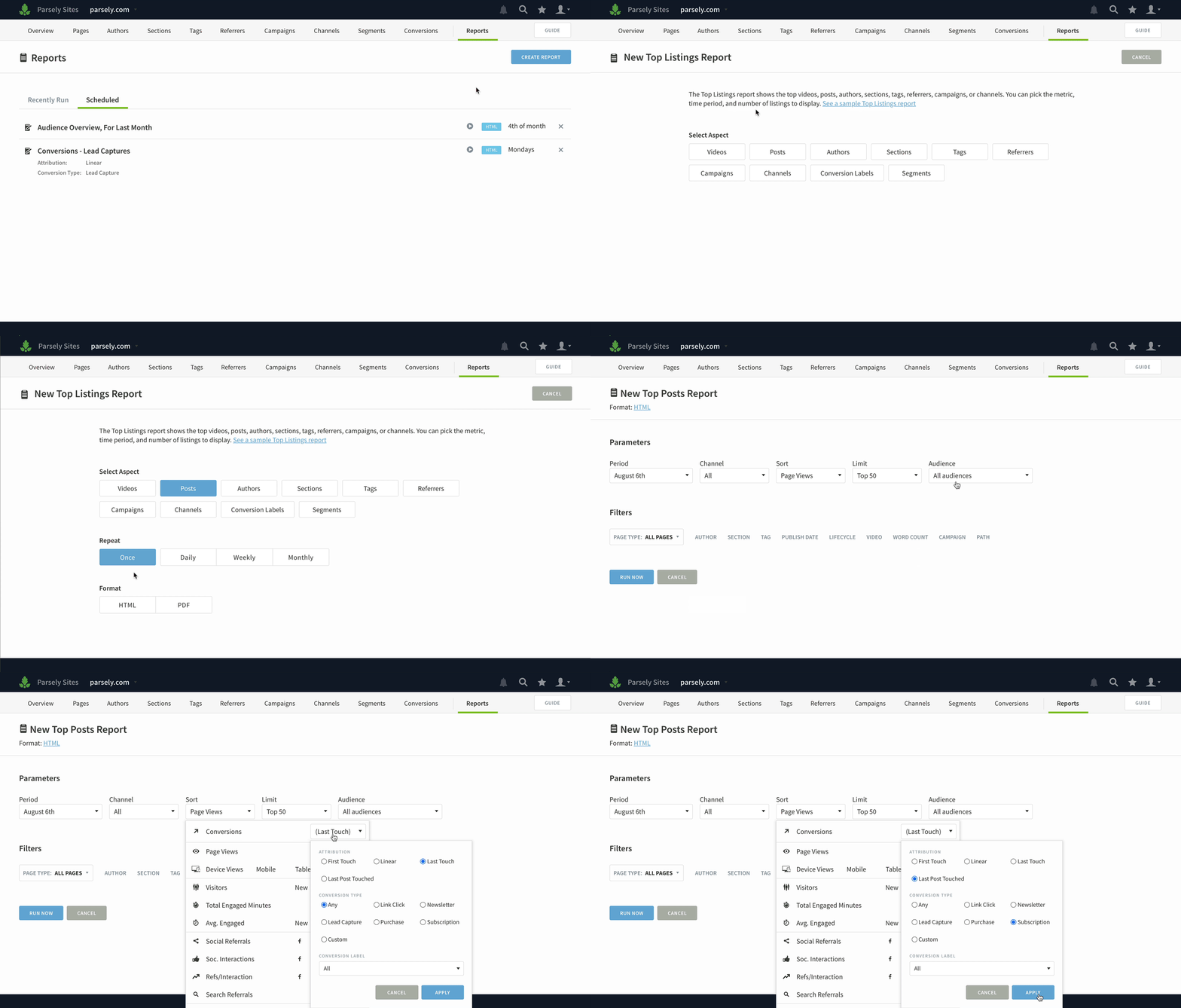
Conversions in Top Listings and Details reports
You can pull a list of top posts, authors, sections, tags, campaigns, or referrers by conversions using the Top Listings Report or Export.
Note that while we have deprecated the conversions report link from the Reports page, you can run the same report as a Details report.
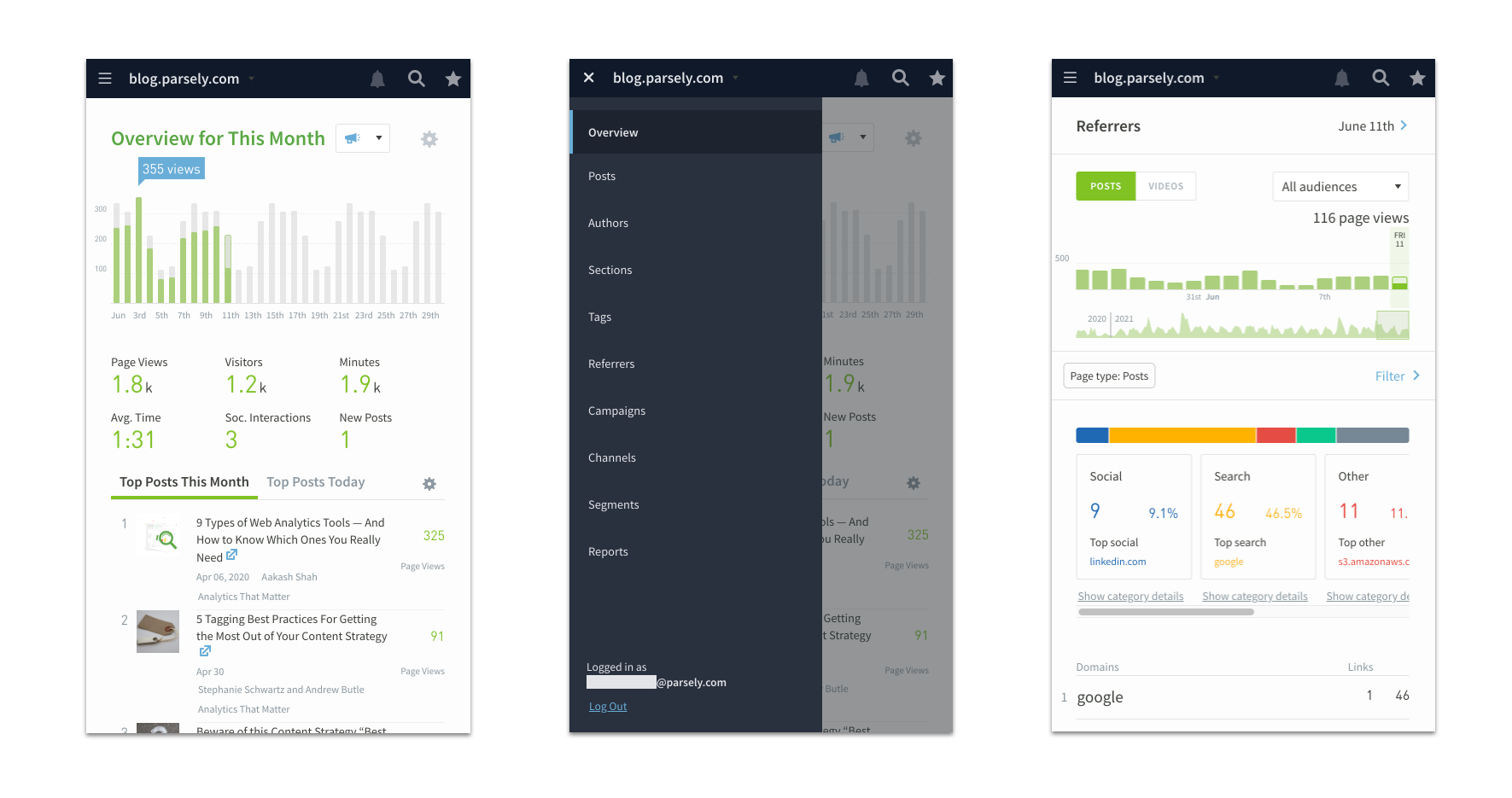
Better mobile web experience
It’s much simpler to use Parse.ly in your mobile browser now. Tap the hamburger menu to hop between screens and swipe and scroll with ease.
User settings
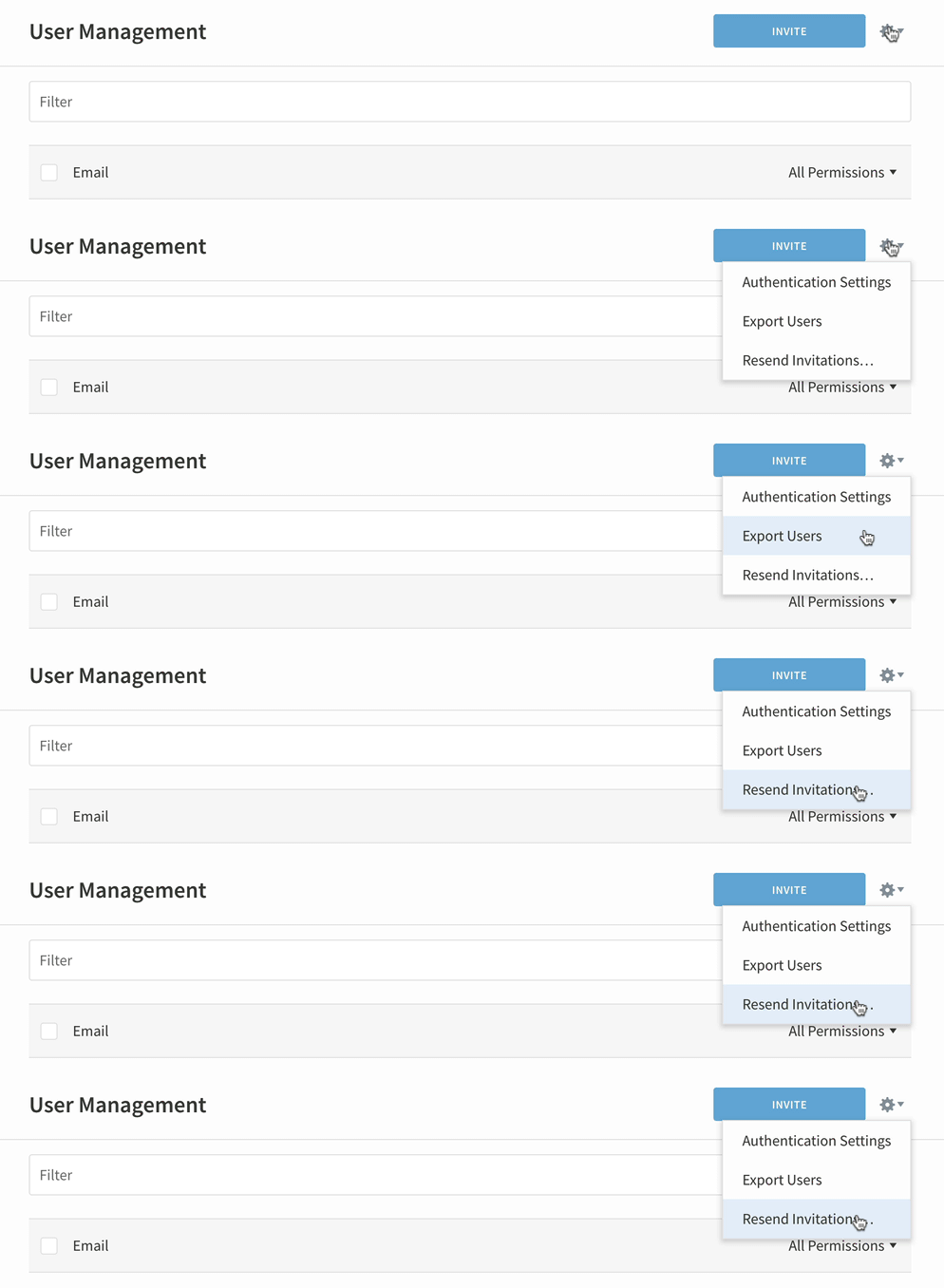
Access Authentication Settings, Export Users, and Resend Invitations by clicking the cog on the User Management page.
Last updated: September 17, 2025