Product update: April 29, 2020
Filters get a new look
Previously, when you added a bunch of filters, it felt like you had to scroll down for miles to reach your results. Not anymore. We redesigned filters to free up vertical space and allow filtered results to appear “above the fold” for complex queries.
Like before, you can edit filters by clicking on the relevant filter button. Once you’ve selected criteria, click Apply Filters (this part’s new).
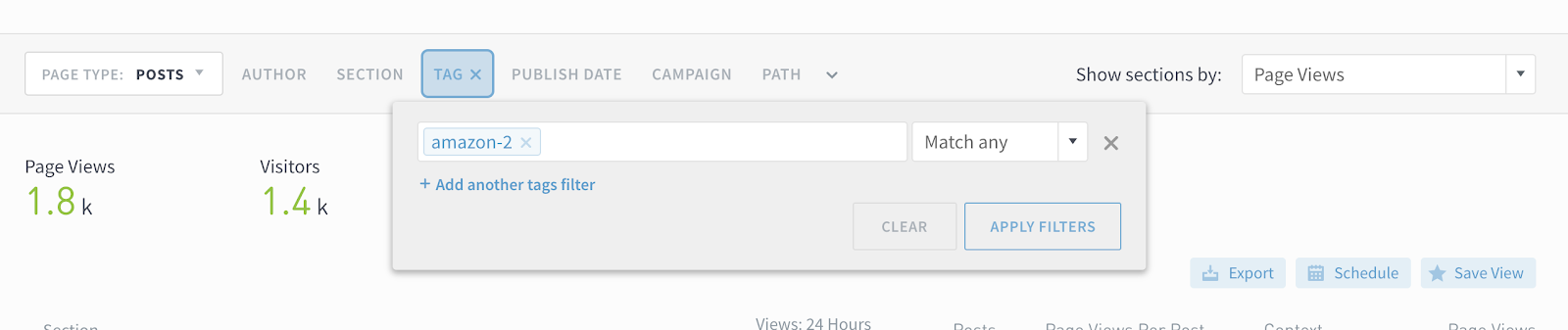
Active filters are highlighted in blue:

Click the carat button to see a summary of what filters are applied.

Last updated: September 17, 2025