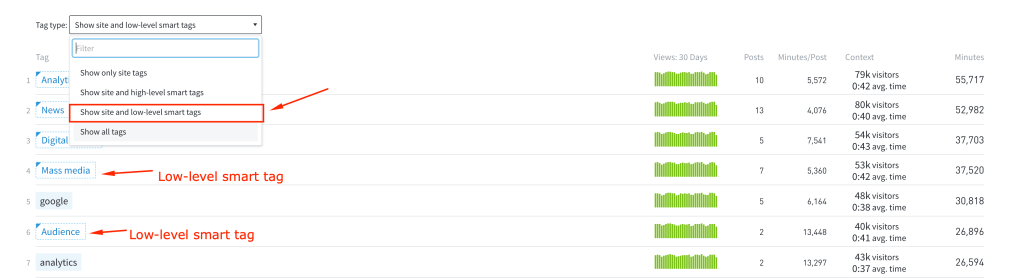
You can now filter tags to show only site and low-level smart tags. This adds to the existing options to filter by site tags, site and high-level smart tags, or all tags.
Low-level smart tags are identifiable by their white background with a dotted line and corner.
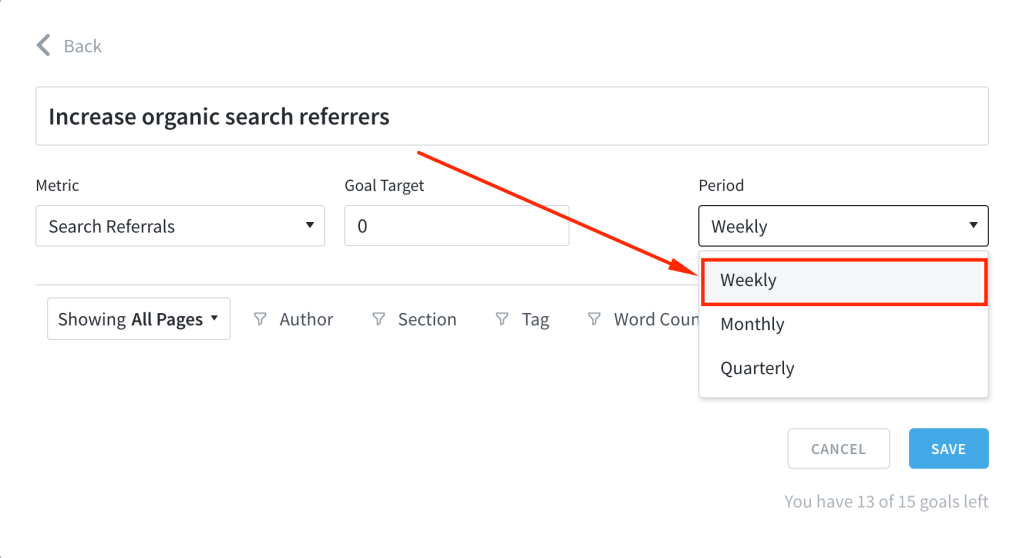
Weekly time period added to Goals
A new weekly time period is now available in Goals, allowing you to set weekly, monthly, and quarterly goals. This enhancement helps you better track your content strategy’s performance.
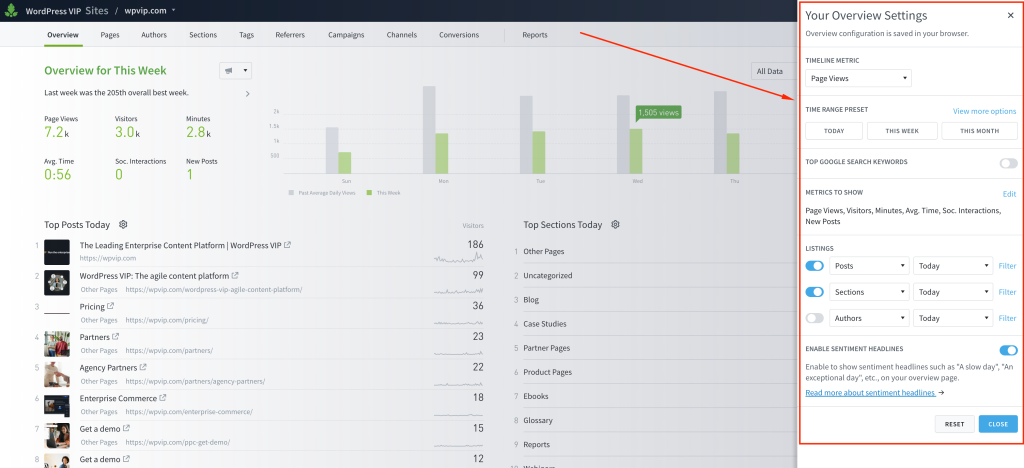
Redesigned Overview settings panel
We’ve redesigned the Overview settings panel to make it easier to customize your Overview page. The new design simplifies finding the options you need, reduces the number of clicks to access them, and enhances the panel’s layout for a better experience.
Improvements & Bug Fixes:
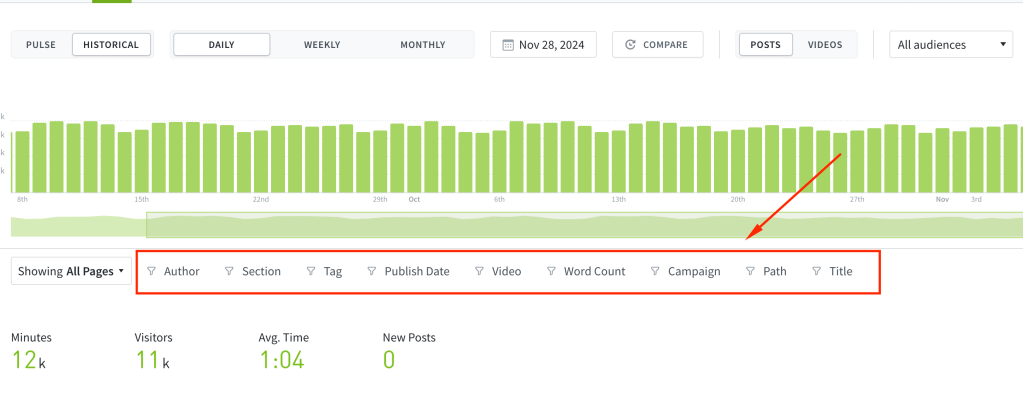
The “Posts Published” factoid label in the dashboard and reports has been renamed to “New Posts”. “New Posts” is the number of posts published within a selected time range.
Resolved an issue where the “Match Any” field was not displaying, which prevented the creation of new referrer groups.
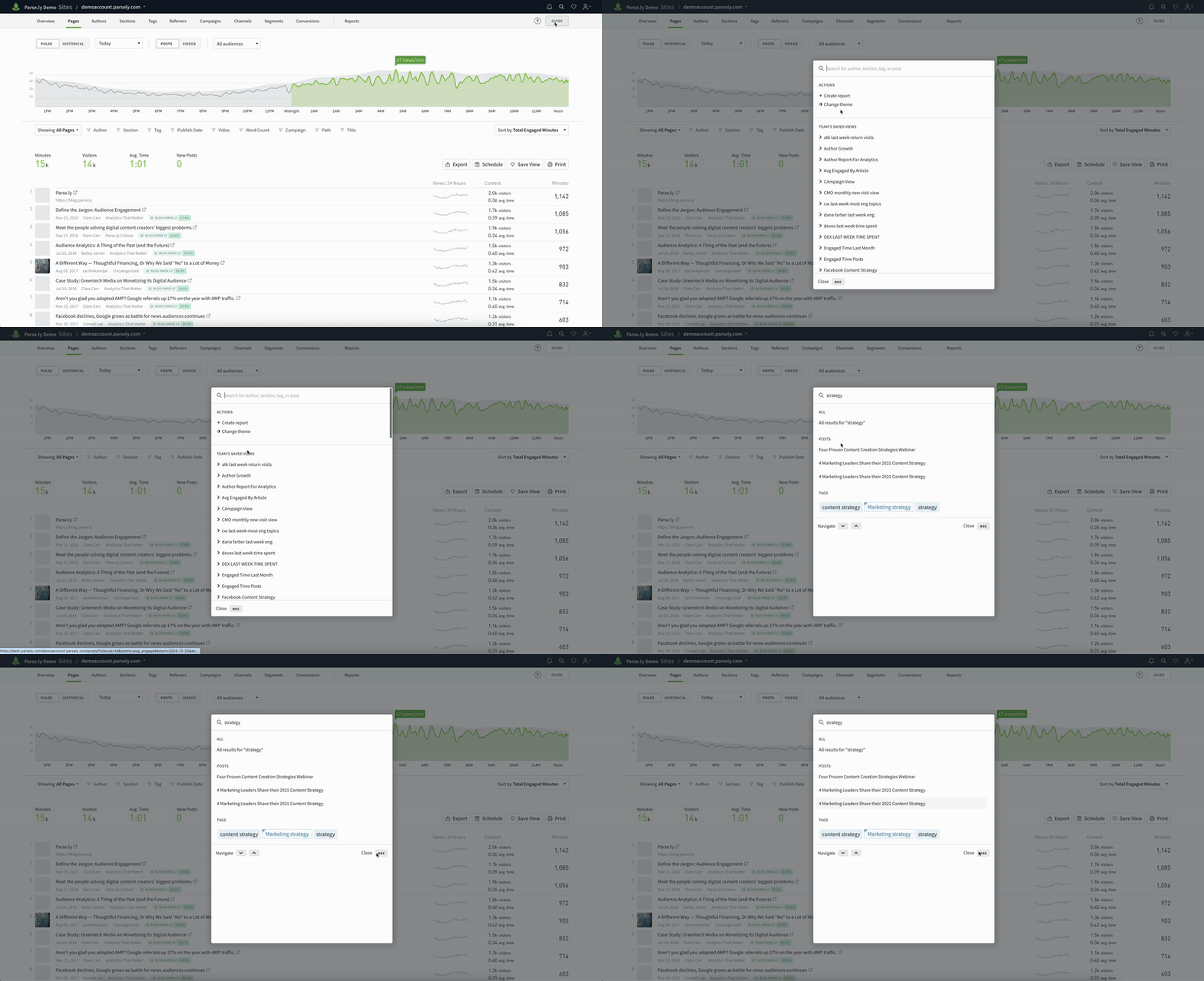
The dashboard search has been redesigned to make finding what you need easier and more efficient. You can now perform actions such as creating reports, accessing saved views, or changing the dashboard theme directly from the search modal.
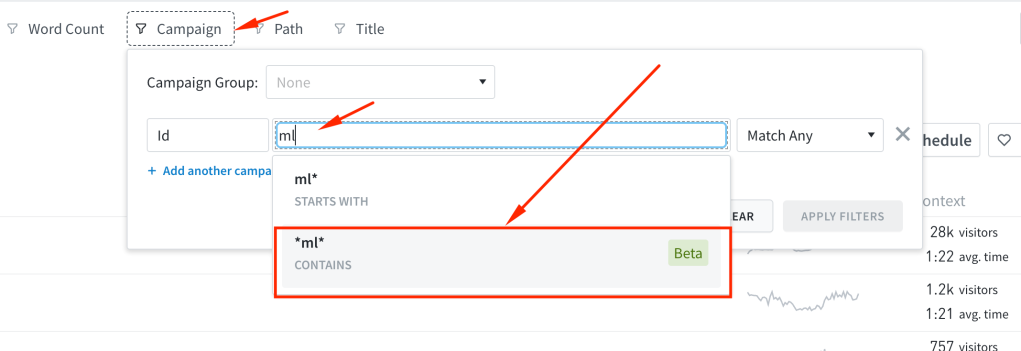
The campaign filter now includes a “contains” logic option, enabling more detailed filtering. This enhancement is available wherever the campaign filter is offered, including listing pages, info pages, reports, overview, and goals.